
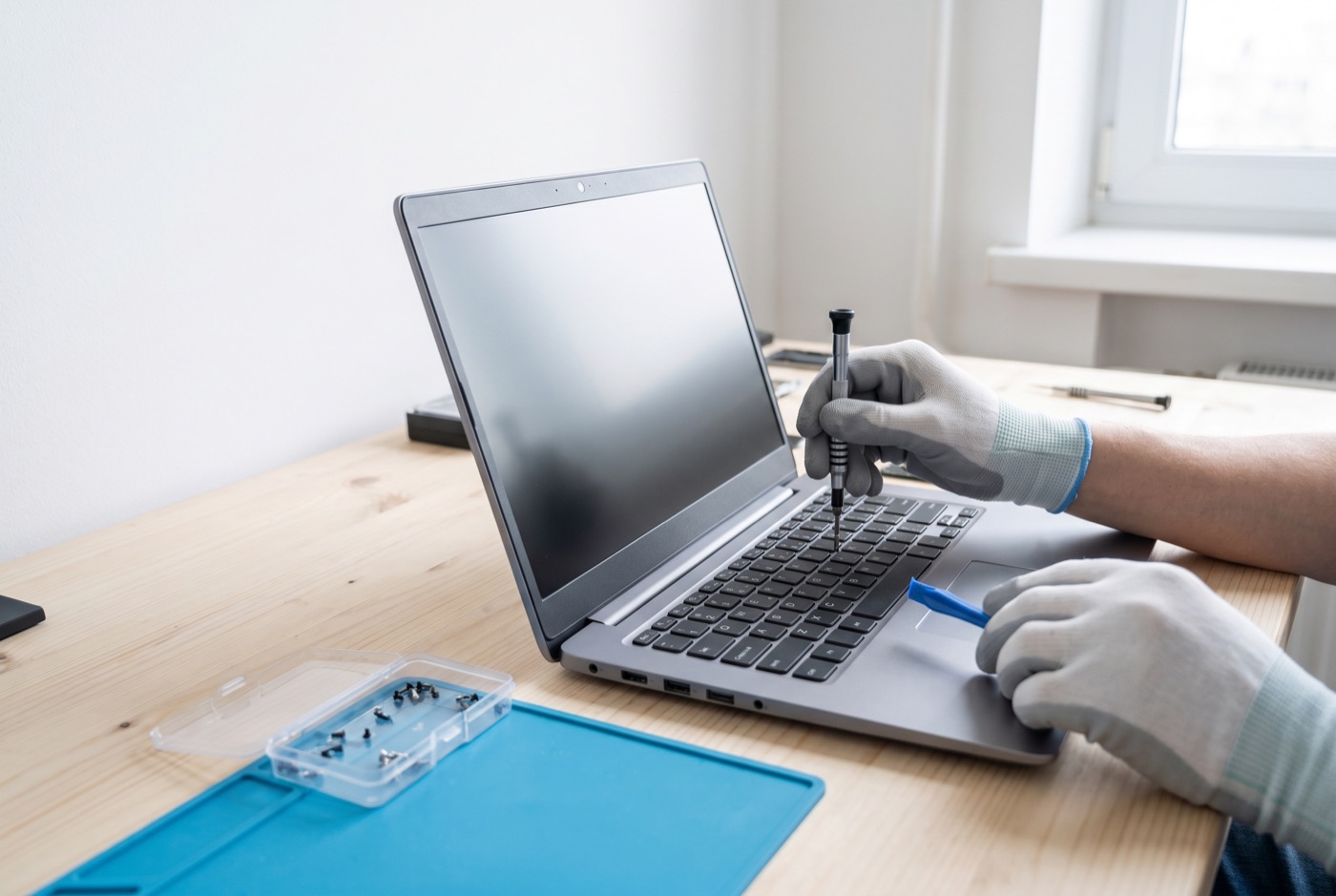
Computer and Laptop Repairs in Bury St Edmunds
Windows PC and laptop repairs for homes and businesses in Bury St Edmunds and the surrounding villages. Slow machines, failed updates, virus infections, broken hardware - we diagnose the problem properly and fix it, not just paper over it.
Computer and Laptop Repairs in Bury St Edmunds
When a PC or laptop stops working, it rarely happens at a convenient time. Whether you run a small office in Bury St Edmunds, work from home in one of the surrounding villages, or just rely on a Windows machine to get things done, a fault can bring everything to a halt. We repair Windows PCs and laptops for businesses and individuals across the area, covering faults with hardware, software, operating systems and Microsoft 365.
We cover Bury St Edmunds and the nearby villages including Whepstead, Stanningfield, Lawshall and Hoggard's Green. If you are close to Bury St Edmunds, give us a call and we will confirm whether we can help.
What We Repair
We work exclusively on Windows PCs and laptops. We do not support Apple Mac machines. Below are the most common fault types we deal with.
- Slow performance - a machine that takes several minutes to start or freezes during everyday tasks. Common causes include too many startup programmes, a failing hard drive, insufficient RAM or a build-up of temporary files and background processes.
- Virus and malware infections - rogue software, ransomware, adware and phishing-related infections. Removing an infection properly means checking every layer of the system, not just running a quick scan.
- Failed or stuck Windows updates - updates that loop, fail with error codes or leave the machine unable to boot. These often need manual intervention at the system level rather than simply clicking "try again".
- Hardware faults - screens that flicker or show no image, keyboards with dead keys, touchpads that stop responding, batteries that no longer hold charge, and overheating caused by blocked cooling vents or failing fans.
- Hard drive and SSD failures - drives that click, make grinding noises or cause the system to show a blue screen or refuse to boot. Where data recovery is needed, we will advise what is realistic before any work starts.
- Microsoft 365 problems - licence errors, Outlook not connecting, OneDrive sync failures and Teams issues affecting day-to-day work.
- Startup and boot failures - machines that will not start, show a black screen or get stuck at the Windows logo. These faults can stem from a recent update, a software conflict or a hardware issue and need proper diagnosis to resolve.
How a Proper Repair Should Work
A good repair starts with diagnosis, not guesswork. The presenting symptom - a slow machine, for example - can have half a dozen different root causes, and treating the wrong one wastes time and money. We check the hardware health of the drive, memory and temperatures, look at what software is loading and running, review the event logs for error patterns, and then work through what the machine actually needs.
For straightforward software faults, remote access is usually the fastest route. We can connect to the machine securely during office hours, see exactly what is happening and carry out fixes without anyone needing to travel. For hardware faults, a visit is necessary. We will tell you at the outset which approach is likely to apply.
Where a part needs replacing - a drive, a screen, memory - we will confirm the cost and what is involved before any work is done. On older machines it is sometimes worth having an honest conversation about whether the repair cost makes sense compared to the value of the machine. We would rather give you a straight answer than take your money on a job that is not going to serve you well.
Data Safety During a Repair
Before any significant repair or reinstall, the right approach is to back up data first. If the drive is failing, that may not always be straightforward, but protecting your files is the first priority. We will always tell you the state of the drive before starting and explain the risk to your data clearly.
A common problem with machines that come in for repairs is that they have never been backed up at all. If that applies to you, ask us about setting up an automated backup as part of the repair - it is a simple step that prevents a much bigger problem later.
Repairs for Businesses
For businesses in Bury St Edmunds and the villages nearby, a single faulty machine can disrupt a whole day's work. We deal with business repairs under both one-off and contract arrangements. If your business has multiple Windows PCs and you want faults handled quickly under a managed support plan, our support contracts cover remote and phone support during office hours, with on-site options included or available separately depending on the plan you choose.
Business support contracts are priced per computer per month, not per user. The Business Essentials plan starts at £36 per computer per month for a single machine (ex VAT), dropping to £22.20 each for 10 to 17 computers. Business Premium, which includes on-site call-outs and labour, starts at £54 per computer for a single machine and reduces with scale. If you prefer not to commit to a monthly contract, blocks of pre-paid time are available: 4 hours for £312, 8 hours for £592 or 16 hours for £1,123 (all ex VAT), each covering up to six months and including monthly monitoring and priority service.
For one-off repairs outside a contract, the cost depends on the fault and whether a site visit is needed. Call us to talk through what has gone wrong and we can advise on the most sensible route.
What You Should Ask Any Repair Technician
Before handing over a machine for repair, it is reasonable to ask a few things: Will you diagnose before quoting? What happens to my data? Do you work on this brand and model? Are parts sourced new or used? A straightforward technician will answer all of these without hesitation.
Book a Repair
If your Windows PC or laptop has developed a fault, call us during office hours and describe what is happening. We will tell you whether it sounds like a remote fix or whether a visit makes more sense, and give you a clear idea of what to expect. Do not leave a slow or faulty machine running - some faults, particularly drive problems, get worse the longer they are left.
What you get
- One number to ring, and a person on the end of it who already knows your setup.
- Updates, backups and security software kept an eye on, rather than left to whoever remembers.
- An explanation afterwards in words you can repeat to your staff, not a ticket that says "resolved".
- What is covered and what is charged extra, written down before you sign anything.
- Your accounts, licences and passwords documented and yours - including on the day you leave us.
Also available
Related IT Support services

IT Support Contracts
Monthly IT support contracts for Windows PCs, laptops and Microsoft 365 in Bury St Edmunds.
See details
Remote IT Support
Remote IT support for Windows PCs, laptops and Microsoft 365 - resolved over the phone or by taking control of your screen, without waiting for an…
See details
Onsite IT Support
On-site IT support for Windows PCs, laptops and Microsoft 365 in Bury St Edmunds and the surrounding area.
See detailsQuestions
Computer and Laptop Repairs - common questions
What should I budget for a managed IT support contract in Bury St Edmunds?
What should I budget for remote IT support for a small business in Bury St Edmunds?
What should I budget for an on-site IT support contract in Bury St Edmunds?
What should I budget for emergency IT support in Bury St Edmunds if I do not have a contract?
What should I budget for a block of pay as you go IT support?
What should I budget for Microsoft 365 management in Bury St Edmunds?
What should I budget for cyber security support for a small business in Bury St Edmunds?
What should I budget for phishing simulation and staff training?
Computer and Laptop Repairs in Bury St Edmunds?
Ring and speak to the person who will look after it, or send the form and we will get back to you the same working day.