
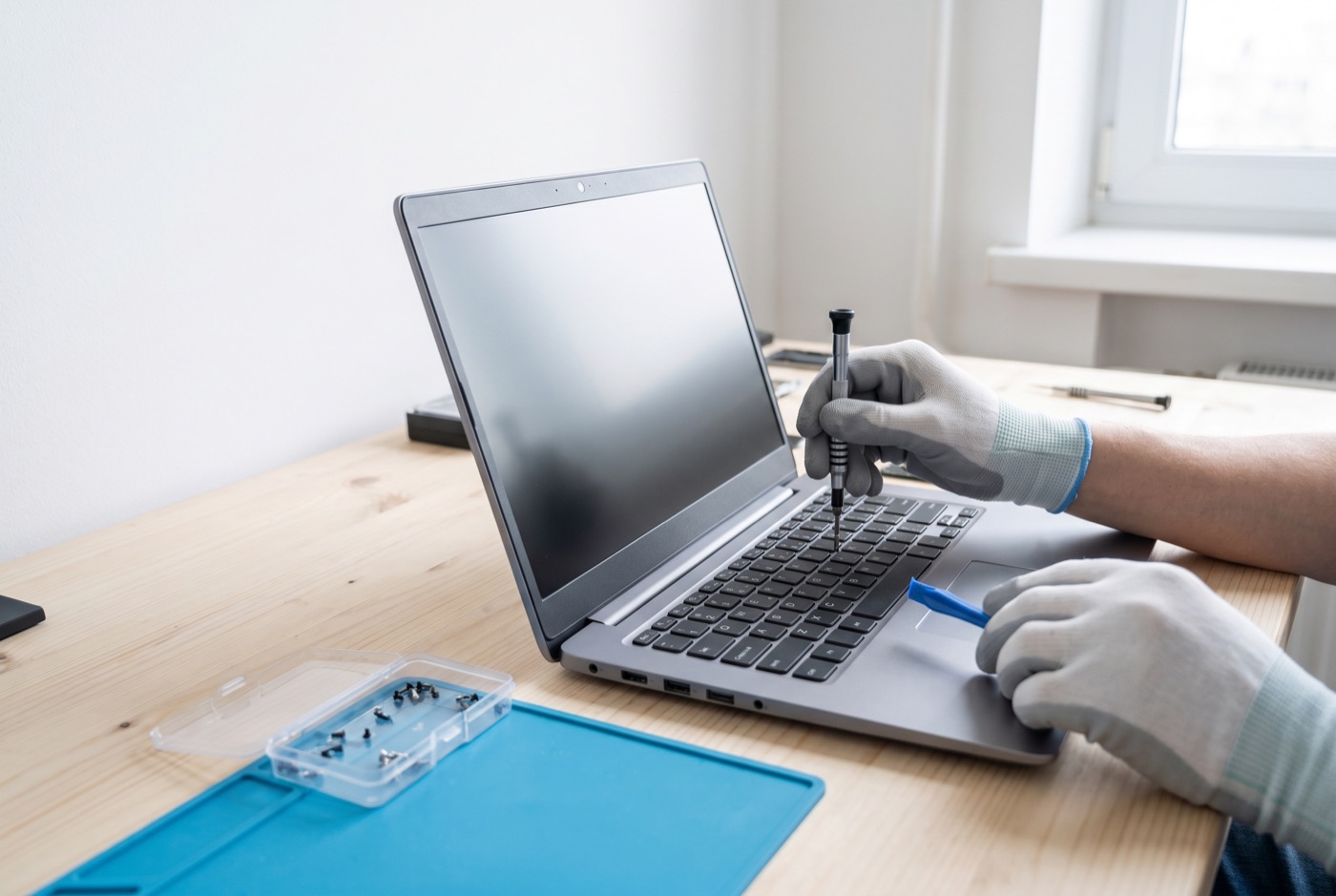
PC & Laptop Repairs Cambridge - Options Explained
Cambridge businesses needing Windows PC and laptop repairs can call on an IT support team covering Cambridge and the surrounding area from a base in Bury St Edmunds.
Computer Repairs in Cambridge - Knowing Your Options
When a business computer develops a fault, the question is rarely just "can it be fixed?" - it is usually "what is the best way to fix it, and is it worth it?" The answer depends on the type of fault, the age of the machine, how critical it is to the business, and what budget is available. This page sets out the real options so you can make an informed decision.
We handle Windows PC and laptop repairs and Microsoft 365 support for businesses in Cambridge and the wider area. We deal with the full range of hardware and software faults that affect Windows machines in a business environment.
Remote Support vs On-Site Repair - Which Is Right?
Remote support - where a technician connects to your machine over the internet - is suitable for most software problems. Outlook not connecting, Windows updates failing, virus removal, user account issues, Microsoft 365 configuration and slow performance caused by software are all things that can be handled remotely without anyone needing to visit your office.
On-site support is needed when the problem is physical: a broken screen, a failed hard drive, a machine that will not start at all, a keyboard replacement, or a new workstation that needs setting up on your network. Remote support simply cannot fix something you cannot plug in and switch on.
For businesses on a managed support contract, the choice between remote and on-site is built into the pricing structure. Under Business Essentials, remote and phone support during office hours is unlimited, but on-site visits carry a £60 call-out fee plus labour. Under Business Premium, on-site labour and call-outs are included. Choosing the right tier depends on how often your business needs someone in the building.
Repair vs Upgrade vs Replace - Honest Pros and Cons
This is the question most business owners want answered. The general guidance is:
- Repair makes sense when the machine is under five years old and the fault is isolated - a failing drive, a broken screen, a faulty power socket. The machine itself is sound; one component has failed.
- Upgrade makes sense when the machine is slow but otherwise functional. Adding RAM or replacing a spinning hard drive with an SSD can add several years of useful life. These are cost-effective interventions on machines that are structurally fine.
- Replace makes sense when a machine is over six or seven years old and multiple things are going wrong, when repair costs approach or exceed the value of the machine, or when the machine can no longer run the software the business needs. Pouring money into an ageing machine that will need more work in six months is rarely good value.
There is no universal rule. A five-year-old business laptop with a clean installation, sufficient RAM and an SSD can be perfectly adequate for another three years of email, Office and browser use. A two-year-old machine that has been heavily used, poorly maintained and is riddled with software problems may not be worth the time to salvage. The age of the machine matters less than its condition and specification.
Hard Drive Options: HDD, SSD and What the Difference Means
Traditional spinning hard drives (HDDs) are slower, more vulnerable to physical shock and the most common point of failure in older laptops and desktops. They are still fitted in budget machines because they are cheap to manufacture at high capacities.
Solid-state drives (SSDs) have no moving parts, start Windows in seconds rather than minutes, and are far less likely to fail suddenly. The performance difference between a Windows machine on an HDD and the same machine on an SSD is dramatic - most users describe it as a different computer. SSD prices have fallen considerably and it is now a cost-effective upgrade on almost any machine that is worth keeping.
NVMe SSDs - which connect via a different slot inside the machine and are faster still - are fitted in newer laptops and are not interchangeable with standard SATA SSDs. When specifying a replacement or upgrade, the type of slot in the machine determines what can go in it.
RAM: How Much Is Enough?
For a Windows 11 business machine running Microsoft 365 - Outlook, Word, Excel, Teams - 8GB of RAM is a working minimum. 16GB is more comfortable if Teams video calls and several browser tabs are open simultaneously. Machines with 4GB of RAM running Windows 11 will struggle and cannot realistically be upgraded to run well without more memory.
Some laptops have RAM soldered to the motherboard and cannot be upgraded at all. Others have one or two upgradeable slots. Checking before purchasing is worth doing; a machine that cannot be expanded is a machine with a fixed ceiling.
Microsoft 365 - Licence vs Configuration Problems
Microsoft 365 faults fall into two camps: actual licence problems (the subscription has lapsed, a user has been removed, the wrong licence tier has been assigned) and configuration problems that look like licence problems (authentication tokens expired, Windows credential manager storing old passwords, Office needing a repair installation).
A common scenario is Outlook presenting a login loop - asking for credentials repeatedly without connecting. This is nearly always a configuration or authentication issue, not a broken licence. It is fixable remotely in most cases. Diagnosing which type of problem you have before calling your Microsoft 365 reseller saves time and potential unnecessary cost.
Virus Removal: Antivirus Software vs Full Clean
Running a free antivirus scanner is not the same as a proper virus removal. Some malware is specifically designed to disable antivirus software or hide from it. A full clean involves booting from external media, scanning outside the infected operating system, removing malicious files and registry entries, checking for persistence mechanisms (scheduled tasks, startup entries, browser extensions) and verifying that the system is clean before reconnecting to the network.
After a serious infection, it is worth considering a full Windows reinstallation rather than a clean-up. Reinstallation is more time-consuming but gives certainty that nothing has been left behind. On a business machine that handles client data or financial information, that certainty has real value.
Support Options for Cambridge Businesses
Managed support contracts are billed per computer per month, not per user. Business Essentials covers unlimited remote and phone support during office hours, with updates, backups and security monitored. On-site visits are charged at £60 call-out plus labour. Monthly pricing: 1 computer £36, 2-3 computers £31.20 each, 4-9 computers £25.20 each, 10-17 computers £22.20 each, 18 or more £21.60 each - all excluding VAT.
Business Premium adds on-site labour and call-outs into the monthly fee. Monthly pricing: 1 computer £54, 2-3 computers £42 each, 4-6 computers £38.60 each, 7-9 computers £33.80 each, 10-12 computers £31.20 each, 13-15 computers £28.40 each, 16-19 computers £25.40 each, 20 or more computers £24.40 each - all excluding VAT. Response options within the contract are set to suit the business's needs.
Prefer to pay as you go? Prepaid time blocks are available: 4 hours for £312, 8 hours for £592, or 16 hours for £1,123, each excluding VAT. The blocks are valid for up to six months. A managed email service is also available.
Call us during office hours to discuss what your Cambridge office needs and we will point you at the option that makes the most practical sense for your setup.
Why people here call us
- A clear written price and what it covers, before anything starts.
- Fixed price - no day-rate surprises halfway through.
- Local to Cambridge, so we can usually get out quickly.
- Fully insured, your accounts in your own name, documented and yours.
Also available
Other services in Cambridge

IT Support Contracts
Monthly IT support contracts for Windows PCs, laptops and Microsoft 365 in Bury St Edmunds.
See details
Remote IT Support
Remote IT support for Windows PCs, laptops and Microsoft 365 - resolved over the phone or by taking control of your screen, without waiting for an…
See details
Onsite IT Support
On-site IT support for Windows PCs, laptops and Microsoft 365 in Bury St Edmunds and the surrounding area.
See detailsComputer and Laptop Repairs in Cambridge?
Call and speak to the person who will do the work, or send the form and we will come and look at it.