
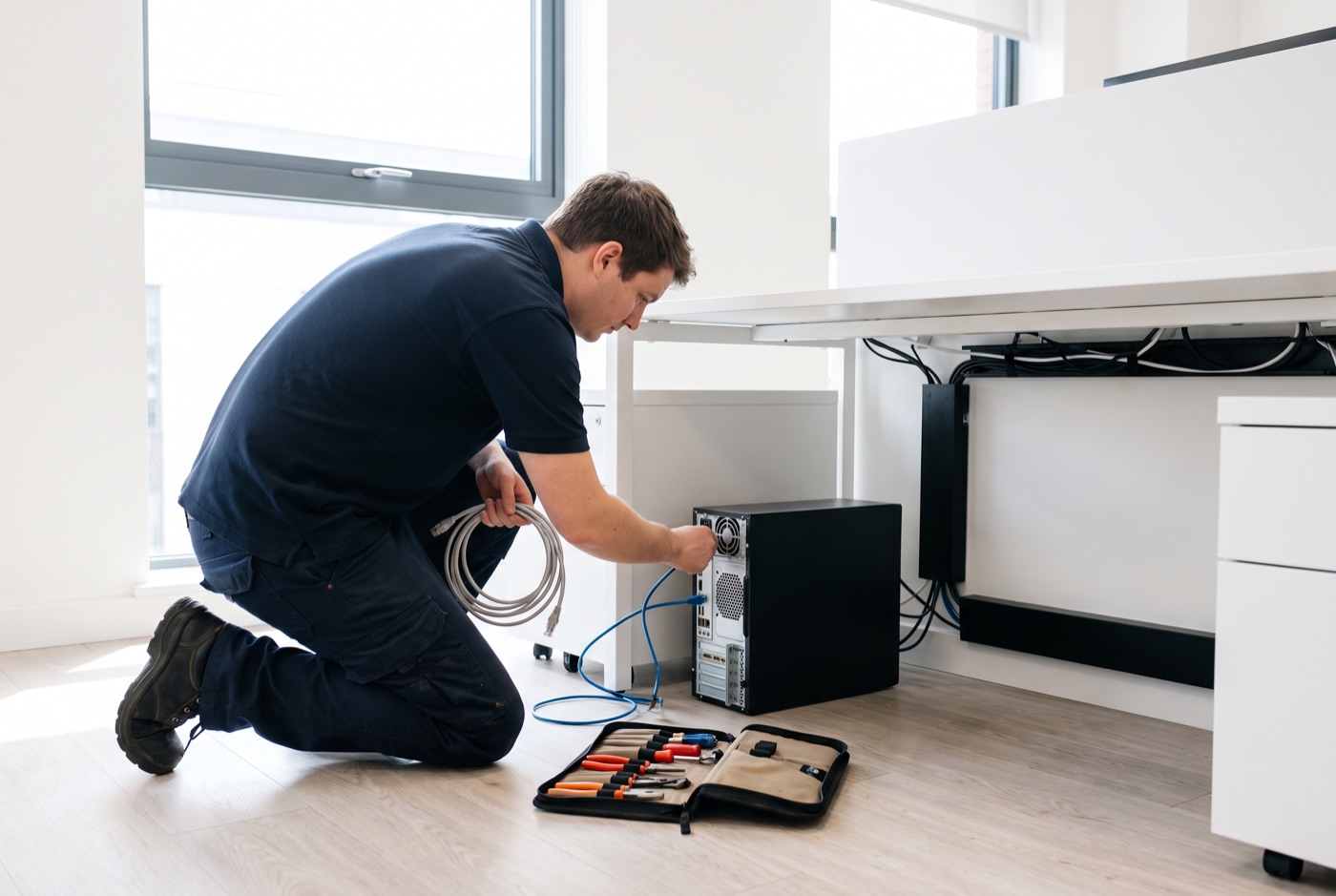
Onsite IT Support in Burwell - Keeping Your Systems Running Between Visits
Good IT support does not end when the technician leaves your Burwell office - the steps you take between visits determine how often you need to call for help in the first place.
Onsite IT support for Burwell businesses
We provide face-to-face IT support for businesses in Burwell and the surrounding area, working from our base in Bury St Edmunds. We cover Windows PCs, laptops and Microsoft 365 - from hardware faults and network problems to email configuration and account management. Support operates during office hours, and when a problem cannot be resolved remotely, we come to you.
Our clients include small businesses that do not have in-house IT staff and office managers who want one number to call when something goes wrong.
Why aftercare matters more than most businesses realise
A well-configured Windows PC or laptop, properly maintained, should run without major incident for several years. The machines that come to grief repeatedly are almost always those where the basics have been neglected between support visits - Windows updates delayed indefinitely, backup jobs that have quietly failed, passwords that have not changed since the machine was set up.
None of this requires technical knowledge to stay on top of. It requires a small amount of regular attention and knowing what to look for.
Simple maintenance that prevents the next call-out
Keep Windows updates applied
Windows updates include security patches, driver fixes and stability improvements. A machine running months-old updates is more likely to attract malware and more likely to behave unpredictably. On a managed contract, we handle updates for you. If you are on a pay-as-you-go arrangement, make sure at least one person in the office knows how to check that updates are running and not stuck in a failed state.
Check your backups are actually working
A common problem is that a backup solution is set up correctly on day one and then never checked again. The backup job fails silently - a full drive, a changed password, a disconnected device - and the business only finds out when they need to recover a file. The check takes two minutes: open the backup software or the Microsoft 365 backup log and confirm the last successful backup ran when it should have.
Restart machines regularly
Windows machines that are left in sleep or hibernate mode for weeks at a time accumulate deferred updates, memory leaks and background processes that slow performance. A full restart once or twice a week clears these. It takes three minutes and prevents a significant number of the "my computer has been getting slower" calls we receive.
Keep your Microsoft 365 licences tidy
When a member of staff leaves, their Microsoft 365 account should be dealt with promptly - not necessarily deleted, but at minimum the password changed, the licence reassigned, and access to shared mailboxes reviewed. Orphaned accounts are a security issue and an unnecessary cost. Office managers can handle this in the Microsoft 365 admin centre, or ask us to do it as part of a support visit.
Watch for the early signs of hardware trouble
Unusual noises from a PC (clicking from a hard drive, grinding from a fan), machines that are hot to the touch, random shutdowns and persistent blue screens are all signs worth acting on before they become failures. Report these to your IT support provider rather than waiting to see if they resolve themselves - they rarely do.
Keep cables and connections tidy
This sounds trivial but loose network cables, half-connected USB hubs and monitors plugged into the wrong ports cause a surprising number of support calls. A loose Ethernet cable looks like a network problem; a monitor plugged into the motherboard rather than the graphics card causes display issues that are easy to misread as driver faults. A tidy desk means fewer false alarms.
What a managed support contract does for ongoing maintenance
On either of our managed contracts, the monitoring and maintenance tasks above are handled for you as part of the service. Business Essentials includes unlimited remote and phone support, Windows updates, backup monitoring and security checks. On-site visits under Business Essentials are charged at £60 call-out plus labour.
Business Premium adds on-site labour and call-outs within the monthly price - useful for offices where machines need hands-on attention more than once or twice a year.
Business Essentials pricing (per computer per month, excl. VAT):
- 1 computer: £36
- 2-3 computers: £31.20 each
- 4-9 computers: £25.20 each
- 10-17 computers: £22.20 each
- 18 or more: £21.60 each
Business Premium pricing (per computer per month, excl. VAT) - on-site included:
- 1 computer: £54
- 2-3 computers: £42 each
- 4-6 computers: £38.60 each
- 7-9 computers: £33.80 each
- 10-12 computers: £31.20 each
- 13-15 computers: £28.40 each
- 16-19 computers: £25.40 each
- 20 or more: £24.40 each
Pay-as-you-go and block time options
If a monthly contract does not suit your business, pre-paid blocks of support time are available. A 4-hour block costs £312, an 8-hour block costs £592, and a 16-hour block costs £1,123. A managed email service is also available and is priced on request.
Building a simple IT maintenance routine for your office
You do not need a dedicated IT person to keep on top of the basics. An office manager with a short monthly checklist can prevent the majority of avoidable support calls. The checklist items that matter most are:
- Confirm the most recent backup completed successfully
- Check that Windows update is not showing a long backlog of deferred installs
- Restart any machine that has not had a full shutdown in more than a week
- Review any Microsoft 365 accounts belonging to staff who have left
- Note any machines showing unusual behaviour and report them before the next scheduled visit
If you are on a managed support contract with us, we will tell you what to watch for between visits and how to report it. Call us to talk through the right level of support for your Burwell office.
Why people here call us
- A clear written price and what it covers, before anything starts.
- Fixed price - no day-rate surprises halfway through.
- Local to Burwell, so we can usually get out quickly.
- Fully insured, your accounts in your own name, documented and yours.
Also available
Other services in Burwell

IT Support Contracts
Monthly IT support contracts for Windows PCs, laptops and Microsoft 365 in Bury St Edmunds.
See details
Remote IT Support
Remote IT support for Windows PCs, laptops and Microsoft 365 - resolved over the phone or by taking control of your screen, without waiting for an…
See details
Emergency IT Support
When your systems go down during office hours, every minute costs you money.
See detailsOnsite IT Support in Burwell?
Call and speak to the person who will do the work, or send the form and we will come and look at it.