
Onsite IT Support in Ely - How the Job Works, Start to Finish
IT Support Bury St Edmunds provides onsite Windows PC and Microsoft 365 support to businesses in Ely, and this page walks you through exactly what happens from the moment you call to the moment we leave.
Why knowing the process matters before you commit
A lot of small business owners in Ely have had the experience of calling an IT company, being told something vague about "running some checks", and then receiving an invoice that is hard to make sense of. Knowing what a proper onsite IT support visit involves - step by step - makes it easier to judge whether the job was done properly and whether the price was fair.
Below is an honest account of what we do, in order, when we support a business onsite.
Step one: the initial call and what we need to know
When you call us, we ask a short set of questions before anything else. How many Windows computers and laptops does your business use? What is the problem you are experiencing right now, and when did it start? Have there been any recent changes - new software installed, a Windows update, a new member of staff, a change to your internet connection or router?
These questions are not a script. They let us decide whether the problem is likely to be solvable remotely before we book a visit, and if a visit is needed, they help us bring the right equipment. Arriving onsite with the wrong parts or without the right information wastes your time and ours.
We also ask about your support arrangement at this stage. If you are already on a Business Premium plan, onsite visits are included and we book the appointment. If you are on Business Essentials, we confirm the call-out charge (£60 plus labour, ex VAT) before we proceed. If you have no contract at all, we discuss a time block or a one-off arrangement before any work begins - there are no surprise invoices.
Step two: remote diagnosis first, where it makes sense
Not every problem needs a physical visit. If the machine is running and connected to the internet, a remote session - where we connect directly to your screen - can resolve a large proportion of Microsoft 365 issues, Windows configuration problems, user account faults and email problems. We attempt remote resolution first where it is practical, because it is faster for you.
If remote diagnosis reveals that the problem is physical - a failing drive, a network device that needs hands-on attention, a machine that will not boot - we confirm a visit at that point rather than continuing to try to fix something remotely that cannot be fixed that way.
Step three: arriving onsite
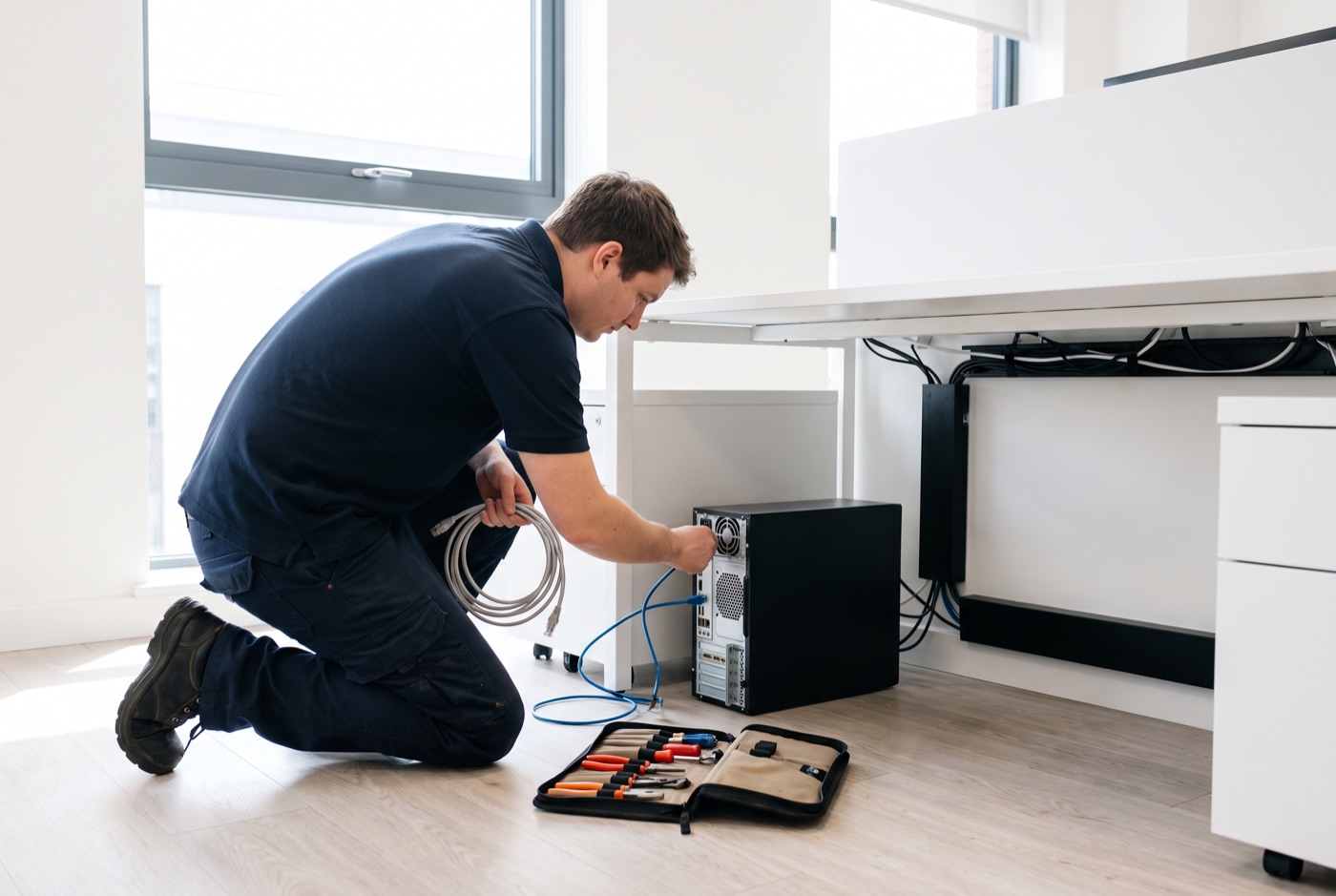
When we arrive at your Ely premises, we ask to see the affected machine or machines first, and then the wider network environment if the problem involves connectivity or shared resources. We check the physical setup - cables, switches, routers, power - before touching software settings. A loose cable or a switch that has partially failed can produce symptoms that look exactly like a software fault, and chasing a software fix for a hardware problem wastes significant time.
We also ask to speak briefly to the member of staff who uses the affected machine. They almost always have information - "it started after I installed this", "it happens every morning but not in the afternoon" - that does not make it into the original call and that changes the diagnosis.
Step four: the diagnosis itself
Diagnosing a Windows PC or laptop fault involves checking a sequence of things in a logical order rather than trying fixes at random. We look at Windows Event Viewer for recorded errors, check the drive health using diagnostic tools, review the update history for recent changes, check running processes for anything that should not be there, and test the network connection both at the machine and at the router or switch.
For Microsoft 365 problems, diagnosis involves checking the account status in the admin portal, reviewing licences, checking Outlook profile integrity, looking at mail flow rules, and testing authentication. A lot of Microsoft 365 faults that appear to be email problems are actually authentication or licence problems presenting as email problems.
We explain what we have found before we do anything to fix it. You should know what the problem is, what caused it, and what we are going to do - before we do it.
Step five: the fix
The fix depends entirely on what the diagnosis reveals. Common onsite fixes include replacing a failing hard drive and reinstalling Windows, reconfiguring network devices, removing unwanted or harmful software, rebuilding an Outlook profile, reassigning a Microsoft 365 licence, setting up a new machine and transferring data from an old one, and reconfiguring printers or shared drives after a network change.
We carry common replacement parts - cables, drives, memory - where the diagnosis call has flagged a hardware fault as likely. If a part is needed that we have not brought, we tell you what it is and the options for getting it, rather than making a return visit that could have been planned in advance.
Step six: testing before we leave
Before we leave your premises, we test the fix under realistic working conditions. For a machine that was crashing, we run it under the workload that caused the crash. For an email problem, we send and receive messages from the affected account. For a network fix, we check that all devices that should be on the network are visible and that shared resources are accessible.
We do not leave while the machine is still showing symptoms, or with a fix that has only been partially applied.
Step seven: what to check after we have gone
After an onsite visit, there are a few things worth checking in the days that follow. If a drive was replaced, make sure the first backup after the replacement has completed and that you can see the backup files. If a Microsoft 365 account was reconfigured, check that all shared mailboxes and calendar items are still accessible. If a network device was reconfigured, check that all machines connect normally the following morning when they are booted cold.
If anything is not right after a visit, call us. Checking in after the fact is part of the job, not an extra.
Plans, pricing and what is included
All prices exclude VAT. Contracts are per computer per month, not per user.
Business Essentials covers unlimited remote and phone support, Windows updates, backups and security monitoring. Onsite visits are £60 call-out plus labour on top.
- 1 computer: £36/month
- 2 to 3: £31.20 each/month
- 4 to 9: £25.20 each/month
- 10 to 17: £22.20 each/month
- 18 or more: £21.60 each/month
Business Premium is the plan to compare against Essentials. When comparing plans, check whether onsite visits and labour are included in the monthly price, and whether a separate call-out charge applies.
- 1 computer: £54/month
- 2 to 3: £42 each/month
- 4 to 6: £38.60 each/month
- 7 to 9: £33.80 each/month
- 10 to 12: £31.20 each/month
- 13 to 15: £28.40 each/month
- 16 to 19: £25.40 each/month
- 20 or more: £24.40 each/month
If you do not want a monthly contract, time blocks are available: 4 hours at £312, 8 hours at £592, or 16 hours at £1,123 - each including monthly monitoring and priority service, valid for up to six months. A managed email service is also available; pricing is on request.
Call us to talk through what your Ely business needs
We support businesses in Ely, Bury St Edmunds and the surrounding area. If you are not sure which plan fits, call us and we will go through it with you before you commit to anything.
Why people here call us
- A clear written price and what it covers, before anything starts.
- Fixed price - no day-rate surprises halfway through.
- Local to Ely, so we can usually get out quickly.
- Fully insured, your accounts in your own name, documented and yours.
Also available
Other services in Ely

IT Support Contracts
Monthly IT support contracts for Windows PCs, laptops and Microsoft 365 in Bury St Edmunds.
See details
Remote IT Support
Remote IT support for Windows PCs, laptops and Microsoft 365 - resolved over the phone or by taking control of your screen, without waiting for an…
See details
Emergency IT Support
When your systems go down during office hours, every minute costs you money.
See detailsOnsite IT Support in Ely?
Call and speak to the person who will do the work, or send the form and we will come and look at it.