
Onsite IT Support in Newmarket
When your Windows PCs or Microsoft 365 stop working during the day, IT Support Bury St Edmunds comes to your Newmarket premises to sort the problem face-to-face.
When something is wrong with your IT - and how to spot it early
A lot of IT problems do not arrive without warning. The signs are there weeks before a machine stops completely or a Microsoft 365 account locks everyone out. Knowing what to look for gives you the chance to act before a small fault becomes a full-day shutdown.
We have been supporting Windows businesses since 1990. Below we have set out the most common warning signs we see, what usually causes them, and what should happen next. If any of these sound familiar, call us on the number at the top of this page.
Warning signs that your Windows PC or laptop is in trouble
- Machines running slowly or freezing. A Windows PC that was quick when you bought it and now crawls is usually showing early signs of a failing hard drive, a build-up of background processes, or a machine that has been left on for weeks without a proper restart. It can also mean the disk is nearly full, which stops Windows managing temporary files properly.
- Unexpected restarts or blue screens. A blue screen (formally a STOP error) means Windows has hit a problem serious enough to halt itself. Once in six months may be a one-off. Once a week is a fault that will get worse. Common causes include failing RAM, an unstable driver that was pushed out in an update, or a hard drive that is starting to develop bad sectors.
- Microsoft 365 sign-in problems that keep coming back. If staff are repeatedly asked to sign back in to Outlook, Teams or SharePoint, it is rarely just a password issue. It usually points to a token or authentication problem, a conditional access policy that is blocking the device, or a licence that has not been applied correctly.
- Email delays, missing messages or items stuck in the Outbox. Intermittent email problems in Microsoft 365 are almost always a configuration or connection issue rather than a fault with the service itself. A profile corruption in Outlook, a mailbox that has hit its storage limit, or a misconfigured DNS record on the domain can each cause symptoms that look identical from the user's side.
- Printers, scanners or shared drives that drop off the network. Peripheral devices disappearing from the network after a Windows update is a known problem. It usually means a driver has been overwritten or a network policy has changed. Shared drives unmounting at login point to a group policy or credential issue.
- Pop-ups, toolbars or browser redirects appearing out of nowhere. Unwanted software getting onto a business PC is almost always the result of a user downloading something bundled with a legitimate-looking installer, or clicking a link in a phishing email. Once one machine is affected, the risk to the others on the same network increases.
- Backups that are listed as "completed" but have not been checked. A backup that is ticking a box without being tested is not a backup you can rely on. If nobody has tried to restore a file from it in the last three months, you do not know whether it actually works.
What causes IT problems in small offices
Most faults in small business environments trace back to one of four root causes: hardware that is ageing and has not been replaced on a sensible cycle, Windows updates that have not been applied or have been applied without checking for conflicts, user accounts and permissions that were set up quickly and never properly reviewed, and network equipment (routers, switches, Wi-Fi access points) that is consumer-grade rather than business-grade.
A single consumer router handling twenty staff laptops, Teams calls and a networked printer will behave unreliably. It is not faulty - it was simply never designed for that workload. The same applies to Windows Home edition, which lacks the management tools that Windows Pro or Windows 11 Pro for Business provides. These are structural problems that remote support cannot fix permanently, because the fault is in the environment rather than in one file or setting.
Why onsite support matters when the root cause is the environment
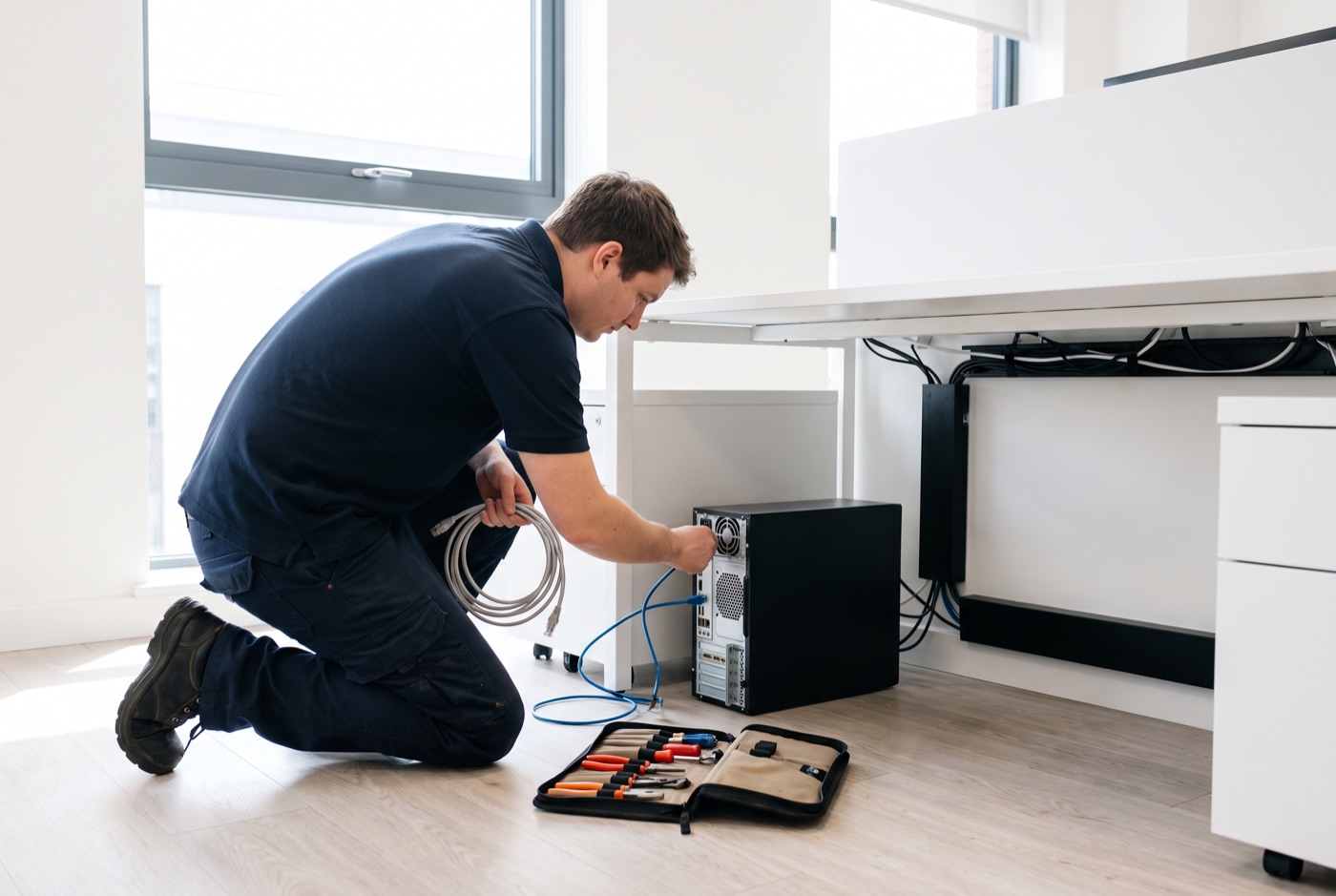
Remote support - phone or screen share - can solve a large number of software problems. But when the fault is in the physical network, a failing drive, a machine that will not boot, or a printer that is simply not appearing on the network, a technician needs to be in the room. Onsite IT support means we can check the physical connections, swap hardware, reconfigure network devices directly, and watch how the machine behaves in its actual working environment rather than diagnosing from a distance.
We cover Newmarket and the surrounding area, including businesses in the wider region who need a local pair of hands rather than a distant helpdesk.
What is included in onsite IT support
We work exclusively with Windows PCs, laptops and Microsoft 365. Our onsite visits cover hardware faults and replacements, Windows installation and configuration, Microsoft 365 setup, licencing and troubleshooting, network diagnosis and reconfiguration, printer and peripheral setup, email problems, user account management and security checks. We do not support Apple Mac devices.
Support plans and pricing
All prices below exclude VAT. Contracts are priced per computer per month, not per user.
Business Essentials
Unlimited remote and phone support, with Windows updates, backups and security monitoring included. Onsite visits are charged separately at a £60 call-out fee plus labour on top.
- 1 computer: £36 per month
- 2 to 3 computers: £31.20 each per month
- 4 to 9 computers: £25.20 each per month
- 10 to 17 computers: £22.20 each per month
- 18 or more computers: £21.60 each per month
Business Premium
Everything in Business Essentials, with onsite call-outs and labour included in the monthly price - no separate visit charges.
- 1 computer: £54 per month
- 2 to 3 computers: £42 each per month
- 4 to 6 computers: £38.60 each per month
- 7 to 9 computers: £33.80 each per month
- 10 to 12 computers: £31.20 each per month
- 13 to 15 computers: £28.40 each per month
- 16 to 19 computers: £25.40 each per month
- 20 or more computers: £24.40 each per month
No monthly contract? Time blocks are available
If a rolling monthly contract does not suit your business, you can buy a block of support time instead. Each block includes monthly monitoring and priority service, and is valid for up to six months.
- 4 hours: £312
- 8 hours: £592
- 16 hours: £1,123
A managed email service is also available - ask for pricing when you call.
What to ask before taking on any IT support contract
Before signing up with any IT support provider, ask these questions: Is support billed per computer or per user? (Per user almost always costs more as headcount grows.) Are onsite visits included or charged on top? What exactly is covered by "monitoring" - does anyone actually look at the alerts, or does the system just send emails into an inbox? Is there a minimum contract term and what are the exit terms?
We are happy to answer all of these before you commit to anything. Call us to talk through what your Newmarket office needs and we will tell you which plan fits - or whether a time block makes more sense for you.
Why people here call us
- A clear written price and what it covers, before anything starts.
- Fixed price - no day-rate surprises halfway through.
- Local to Newmarket, so we can usually get out quickly.
- Fully insured, your accounts in your own name, documented and yours.
Also available
Other services in Newmarket

IT Support Contracts
Monthly IT support contracts for Windows PCs, laptops and Microsoft 365 in Bury St Edmunds.
See details
Remote IT Support
Remote IT support for Windows PCs, laptops and Microsoft 365 - resolved over the phone or by taking control of your screen, without waiting for an…
See details
Emergency IT Support
When your systems go down during office hours, every minute costs you money.
See detailsOnsite IT Support in Newmarket?
Call and speak to the person who will do the work, or send the form and we will come and look at it.