
Onsite IT Support in Saffron Walden - What to Do When IT Fails
When a Windows PC or laptop in your Saffron Walden office stops working, the decisions you make in the first few minutes can either protect your data and speed up the fix, or make a straightforward problem harder to solve.
Onsite IT support for Saffron Walden businesses
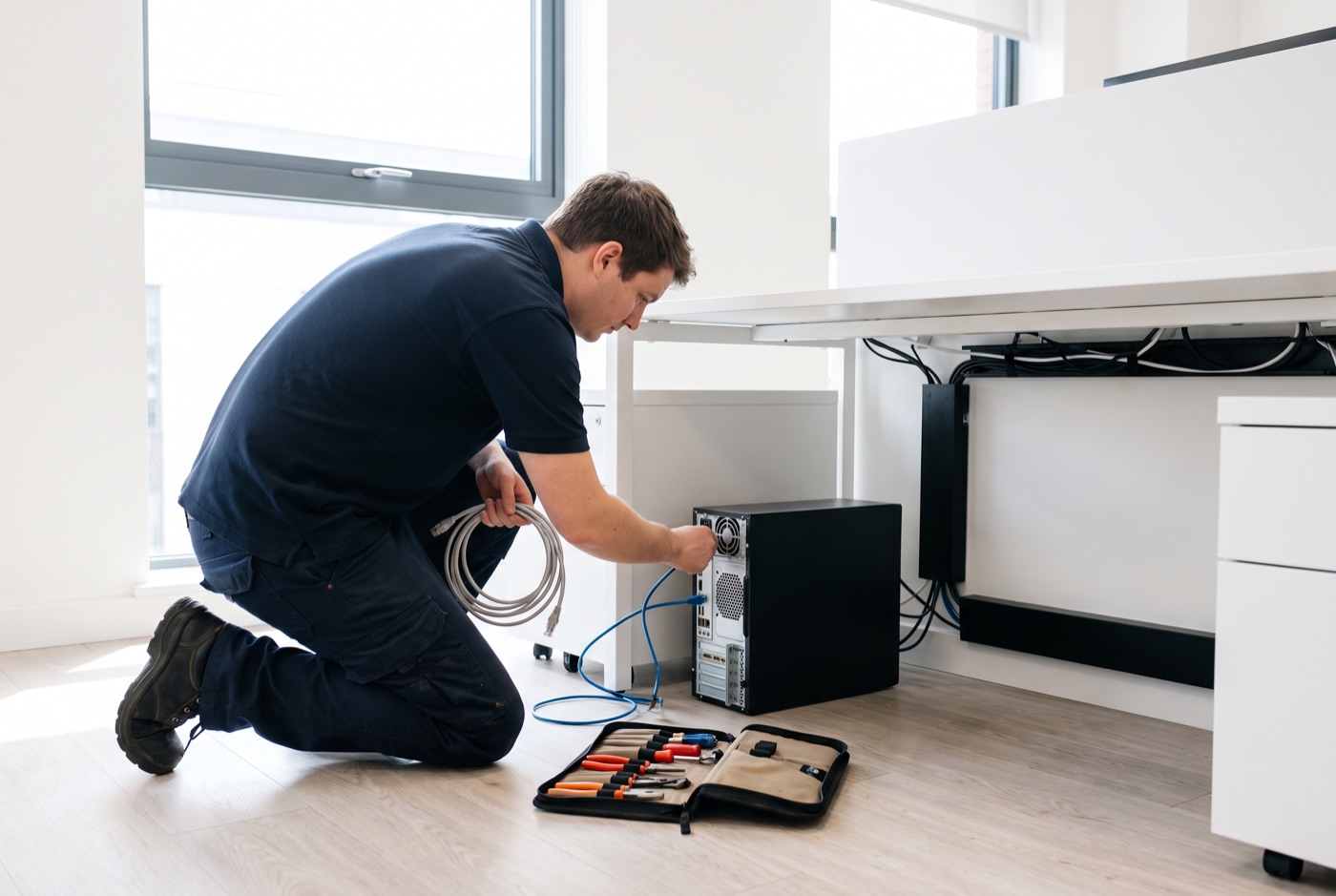
We provide face-to-face IT support for businesses in Saffron Walden from our base in Bury St Edmunds. We cover Windows PCs, laptops and Microsoft 365 - hardware faults, network problems, email failures, account lockouts and everything in between. Support operates during office hours. When a problem cannot be resolved over the phone or remotely, a technician comes to your premises.
If your business also operates from or has connections to Bury St Edmunds, Thetford, Sudbury or Stowmarket, we cover those areas too. We have been supporting small businesses in this region since 1990.
What to do while you wait for IT support
The period between a fault appearing and a technician arriving is where most additional damage happens - not to the hardware, but to your data and to your ability to describe what went wrong. These steps help.
Note exactly what happened and when
Before you do anything else, write down what the machine was doing when the fault appeared, any error message you saw (including the exact wording), and whether anything changed shortly before the problem started - a Windows update, a new piece of software, a cable being moved. This information cuts diagnostic time significantly. A technician who knows the error code and the sequence of events can often identify the cause before touching the machine.
Take a photograph of any error message
Error messages disappear. Blue screens restart. A quick photograph on your phone captures information that would otherwise be lost. If Windows shows a stop code (a line beginning with something like 0x0000...) photograph it. The same applies to any Microsoft 365 error dialogue.
Do not restart the machine unless you are asked to
The instinct when a machine misbehaves is to restart it. Sometimes that is the right call, and we may ask you to try it. If the machine has crashed to a blue screen or is completely unresponsive, a restart is unavoidable. In any other situation, leave it as it is until you have spoken to your support provider.
Identify whether other machines are affected
If only one machine has the fault, the problem is almost certainly local to that device. If two or more machines have the same symptom at the same time, the cause is more likely to be the network, the router, or a Microsoft 365 service outage. That distinction tells you and your support provider where to look first. Check Microsoft's service status page (status.office.com) to rule out a Microsoft 365 platform issue before assuming the problem is in your office.
Isolate the machine if you suspect a security threat
If a machine is showing signs of ransomware - files being renamed, unusual pop-ups demanding payment, desktop wallpaper changed to a warning message - disconnect it from the network immediately by unplugging the Ethernet cable or turning off Wi-Fi. Do not turn it off. An isolated machine stops ransomware spreading to other devices on the network; a powered-off machine may destroy the forensic evidence needed to understand what happened. Call your IT support provider straight away.
Keep working where you can
If Microsoft 365 is involved, check whether the affected functions work in a browser on a different machine. Outlook failing on one laptop does not necessarily mean email is down. If the issue is isolated to one device, other staff may be able to continue normally while the fault is being addressed.
What not to do yourself
These are the interventions that consistently make a straightforward problem more complex:
- Do not run system restore without advice. System restore can undo recent changes but it does not recover deleted files, and it can sometimes create conflicts with software that was installed after the restore point. It is a useful tool in the right circumstances but the wrong circumstances are more common.
- Do not download and run "fix" software you found via a search. A search for an error code will surface legitimate Microsoft documentation alongside fake repair tools that are themselves malware. If you are not certain the source is trustworthy, do not run it.
- Do not delete files or folders to free up space unless you are certain what they are. Low disk space is a genuine cause of Windows instability, but deleting the wrong folder - particularly anything inside Program Files, Windows, or AppData - can break software or corrupt the operating system.
- Do not attempt to repair Microsoft 365 by uninstalling and reinstalling it without guidance. A reinstall clears local settings and cached credentials. If the problem was a configuration error rather than a corrupted installation, the reinstall changes nothing except the settings you have lost.
- Do not open attachments or links that arrived around the time of the fault. If a machine starts behaving oddly shortly after an email was opened, treat that email as a potential threat. Do not forward it, do not open it on another machine, and tell your IT provider about it when you call.
What happens when we arrive
On a site visit, a technician will look at the machine in context - your office layout, your network, how the affected computer connects to the rest of your setup. That context matters. A fault that looks like a failing hard drive sometimes turns out to be a network share being misread as a local drive. Problems that look like software are sometimes hardware, and vice versa. On-site diagnosis is faster and more accurate than remote diagnosis for a meaningful category of faults.
We work on Windows PCs and laptops only. If your office runs a mixed environment, clarify what is in scope before booking a visit so there are no surprises on the day.
Support contracts and pricing
For businesses that want managed support rather than reactive call-outs, our contracts are priced per computer per month, excluding VAT.
Business Essentials - unlimited remote and phone support, updates, backups and security monitoring included; on-site visits charged at £60 call-out plus labour:
- 1 computer: £36/month
- 2-3 computers: £31.20 each/month
- 4-9 computers: £25.20 each/month
- 10-17 computers: £22.20 each/month
- 18 or more: £21.60 each/month
Business Premium - everything in Business Essentials, plus on-site labour and call-outs included in the monthly price:
- 1 computer: £54/month
- 2-3 computers: £42 each/month
- 4-6 computers: £38.60 each/month
- 7-9 computers: £33.80 each/month
- 10-12 computers: £31.20 each/month
- 13-15 computers: £28.40 each/month
- 16-19 computers: £25.40 each/month
- 20 or more: £24.40 each/month
If a monthly contract does not suit your current situation, pre-paid time blocks are available: 4 hours for £312, 8 hours for £592, or 16 hours for £1,123. Each includes monthly monitoring and priority service, and is valid for up to six months. A managed email service is also available, priced on request.
Call us when something goes wrong
If a machine in your Saffron Walden office has failed or is behaving oddly, call us during office hours and describe what you are seeing. Bring the notes you made and any error message photographs. The more information you have ready, the faster we can work out whether the problem can be resolved remotely or whether a site visit is needed.
Why people here call us
- A clear written price and what it covers, before anything starts.
- Fixed price - no day-rate surprises halfway through.
- Local to Saffron Walden, so we can usually get out quickly.
- Fully insured, your accounts in your own name, documented and yours.
Also available
Other services in Saffron Walden

IT Support Contracts
Monthly IT support contracts for Windows PCs, laptops and Microsoft 365 in Bury St Edmunds.
See details
Remote IT Support
Remote IT support for Windows PCs, laptops and Microsoft 365 - resolved over the phone or by taking control of your screen, without waiting for an…
See details
Emergency IT Support
When your systems go down during office hours, every minute costs you money.
See detailsOnsite IT Support in Saffron Walden?
Call and speak to the person who will do the work, or send the form and we will come and look at it.