
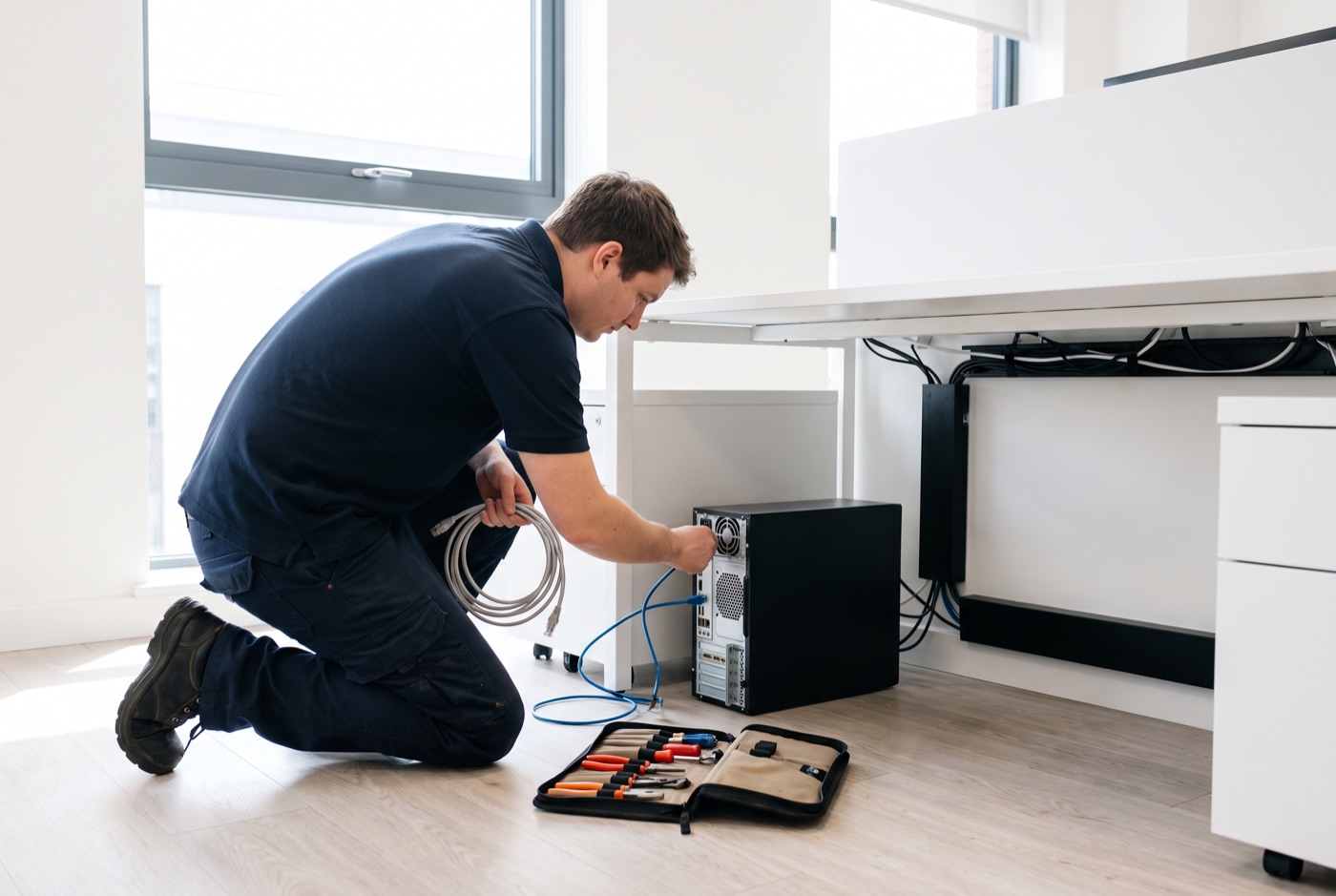
Onsite IT Support in Soham - Repair or Replace? Making the Right Call
When something goes wrong with a Windows PC or laptop in your Soham office, the question that follows is almost always the same: fix it or replace it - and this page helps you work out which answer makes sense.
Onsite IT support for Soham businesses
We deliver face-to-face IT support from our base in Bury St Edmunds, covering Soham and the surrounding area during office hours. We work on Windows PCs, laptops and Microsoft 365 environments - network faults, hardware failures, software problems and account issues. When a problem cannot be sorted remotely, a technician comes to your premises.
Businesses across Soham and the surrounding area, including those who also operate out of Bury St Edmunds, Thetford, Sudbury or Stowmarket, use us as an alternative to carrying an in-house IT person on the payroll.
The repair-or-replace question - why it matters
A common problem in small offices is that decisions about ageing hardware get made on gut feeling rather than on cost. A machine gets repaired once, then again, then again, and by the third invoice the total spend has exceeded what a replacement would have cost. Equally, some businesses replace hardware that could have run for another three years with a straightforward fix. Neither mistake is rare.
The decision is worth thinking through properly. Below is how to approach it.
When repair is usually the right answer
Repair makes sense when the fault is isolated and the machine is otherwise healthy. Common examples:
- A failed hard drive in a machine that is less than four years old - replacing the drive (particularly with a solid-state drive if the machine did not already have one) restores full performance at a fraction of the cost of a new computer
- A faulty RAM stick - symptoms include random crashes and freezes; replacement RAM is inexpensive and the fix takes under an hour on-site
- A broken laptop screen or keyboard - the machine itself is sound; only the damaged part needs attention
- A Microsoft 365 configuration error causing email or Teams to stop working - this is a software fix and does not involve hardware at all
- A network adapter or driver fault stopping a machine from connecting - again, a software or component fix rather than a full replacement
If the machine is under four years old, running a supported version of Windows, and the repair cost is below roughly one-third of a replacement cost, repair is almost always the better financial choice.
When replacement makes more sense
Some faults are symptomatic of a machine that is simply worn out. Replacing these is cheaper over a two-year horizon than repeated repair bills:
- The machine is more than five or six years old and has already had one or more repairs
- The motherboard has failed - motherboard replacement on a standard business PC or laptop is rarely cost-effective because labour costs approach or exceed the value of the machine
- The machine is running Windows 10 and cannot be upgraded to Windows 11 due to hardware limitations - Windows 10 reaches end of support in October 2025, after which it will not receive security updates
- Performance is consistently poor despite a clean install and hardware checks - older processors and limited RAM can be a bottleneck that no repair will solve
- Replacement parts are no longer available or have lead times that will leave your office short for weeks
Windows 10 end of support is a genuine deadline, not a sales pitch. A machine that cannot run Windows 11 will become a security liability on your network from that date. If a significant portion of your fleet falls into this category, planning replacements in batches is cheaper than emergency purchases when machines start failing.
The grey area - and how to think about it
Many decisions fall in the middle. A five-year-old machine with a failed hard drive, adequate RAM and a processor that can run Windows 11 might be worth a drive replacement now and a planned replacement in 18 months. That buys time for a budgeted purchase rather than an emergency one.
A useful question to ask: if this machine was repaired today and ran for another two years, would the total cost of ownership (repair plus two more years of the support contract contribution) be less than buying a new machine now? In most cases that calculation takes less than five minutes and gives you a clear answer.
What a support contract does for hardware decisions
When you are on a managed support contract, we monitor your machines on an ongoing basis. That means hardware problems that are developing - a drive showing early signs of failure in its health data, a machine running consistently hot - can be flagged before they become emergencies. You get to make the repair-or-replace decision in advance, not under pressure on a Tuesday morning when a machine will not start.
Business Essentials contracts include ongoing monitoring, unlimited remote and phone support, updates, backups and security checks. On-site visits are charged separately at £60 call-out plus labour. Business Premium includes on-site labour and call-outs within the monthly fee. Both are priced per computer per month, excluding VAT.
Pricing - contracts and pay-as-you-go
Business Essentials (per computer per month, excl. VAT):
- 1 computer: £36
- 2-3 computers: £31.20 each
- 4-9 computers: £25.20 each
- 10-17 computers: £22.20 each
- 18 or more: £21.60 each
Business Premium (per computer per month, excl. VAT) - includes on-site labour and call-outs:
- 1 computer: £54
- 2-3 computers: £42 each
- 4-6 computers: £38.60 each
- 7-9 computers: £33.80 each
- 10-12 computers: £31.20 each
- 13-15 computers: £28.40 each
- 16-19 computers: £25.40 each
- 20 or more: £24.40 each
If a monthly contract does not suit your business right now, pre-paid time blocks are available: 4 hours for £312, 8 hours for £592, or 16 hours for £1,123. Each block includes monthly monitoring and priority service, and is valid for up to six months. A managed email service is also available, priced on request.
Making the call on a specific machine
If you have a machine that has faulted and you are not sure whether to repair or replace it, call us and describe what is happening. We can usually give you a clear steer without needing to visit first - and if we do need to look at it, we will tell you what we find before any work is authorised.
Why people here call us
- A clear written price and what it covers, before anything starts.
- Fixed price - no day-rate surprises halfway through.
- Local to Soham, so we can usually get out quickly.
- Fully insured, your accounts in your own name, documented and yours.
Also available
Other services in Soham

IT Support Contracts
Monthly IT support contracts for Windows PCs, laptops and Microsoft 365 in Bury St Edmunds.
See details
Remote IT Support
Remote IT support for Windows PCs, laptops and Microsoft 365 - resolved over the phone or by taking control of your screen, without waiting for an…
See details
Emergency IT Support
When your systems go down during office hours, every minute costs you money.
See detailsOnsite IT Support in Soham?
Call and speak to the person who will do the work, or send the form and we will come and look at it.