
Onsite IT Support in Thetford
When your Windows PCs or Microsoft 365 stop working, our Bury St Edmunds-based team comes to your Thetford office and fixes the problem face-to-face.
When something is wrong, what are the warning signs?
Most IT failures do not appear without warning. The trouble is that busy offices tend to dismiss early signals as minor irritations rather than symptoms of something that needs attention. Recognising those signals early is the single most effective way to avoid a full-scale outage.
A common pattern is a PC that has become noticeably slower over the past few weeks but still functions well enough that nobody books a call. Underneath, the cause is often a failing hard drive, a Windows update that installed incorrectly and is consuming processor time in the background, or a profile that has become bloated and fragmented. Left alone, these machines either freeze at a critical moment or develop a fault that is more expensive to resolve than if it had been caught sooner.
Other warning signs worth acting on include: Microsoft 365 applications that crash or refuse to open; printers or shared drives that disappear from the network intermittently; laptops that overheat and shut down; browsers that redirect to unexpected pages; and users who find they have been locked out of accounts. None of these is trivial, and all of them point to a specific underlying cause that a qualified engineer can identify on-site.
What causes these problems?
Hardware faults are among the most common root causes. Hard drives, cooling fans and power supplies all wear out, and Windows PCs used in an office environment are typically under load for eight or more hours a day. A hard drive that is beginning to fail will often throw up read errors that manifest as slow performance or random application crashes before it fails completely.
Network problems account for a significant proportion of the calls businesses make. A faulty switch port, a misconfigured router, a DHCP conflict or a degraded network cable can all cause intermittent connection drops that are almost impossible to diagnose remotely. An engineer on-site can work through the physical layer, check cabling, test ports and confirm that the router and any switches are behaving correctly.
Microsoft 365 issues have their own distinct causes. Licensing mismatches, corrupted Outlook profiles, OneDrive sync errors and Teams authentication failures are all widespread in small business environments. They often follow a Windows update or a password change, and they can be easier to resolve when an engineer sits at the affected machine rather than talking a non-technical user through a sequence of steps by phone.
Malware and unwanted software are a further cause of unexpected behaviour. Redirected browsers, new toolbars that nobody installed, and sudden changes to default search engines all indicate that something has been installed without authorisation. Early intervention limits the damage; ignored, these issues can compromise business data or disable security software that is protecting the rest of the network.
What onsite IT support actually involves
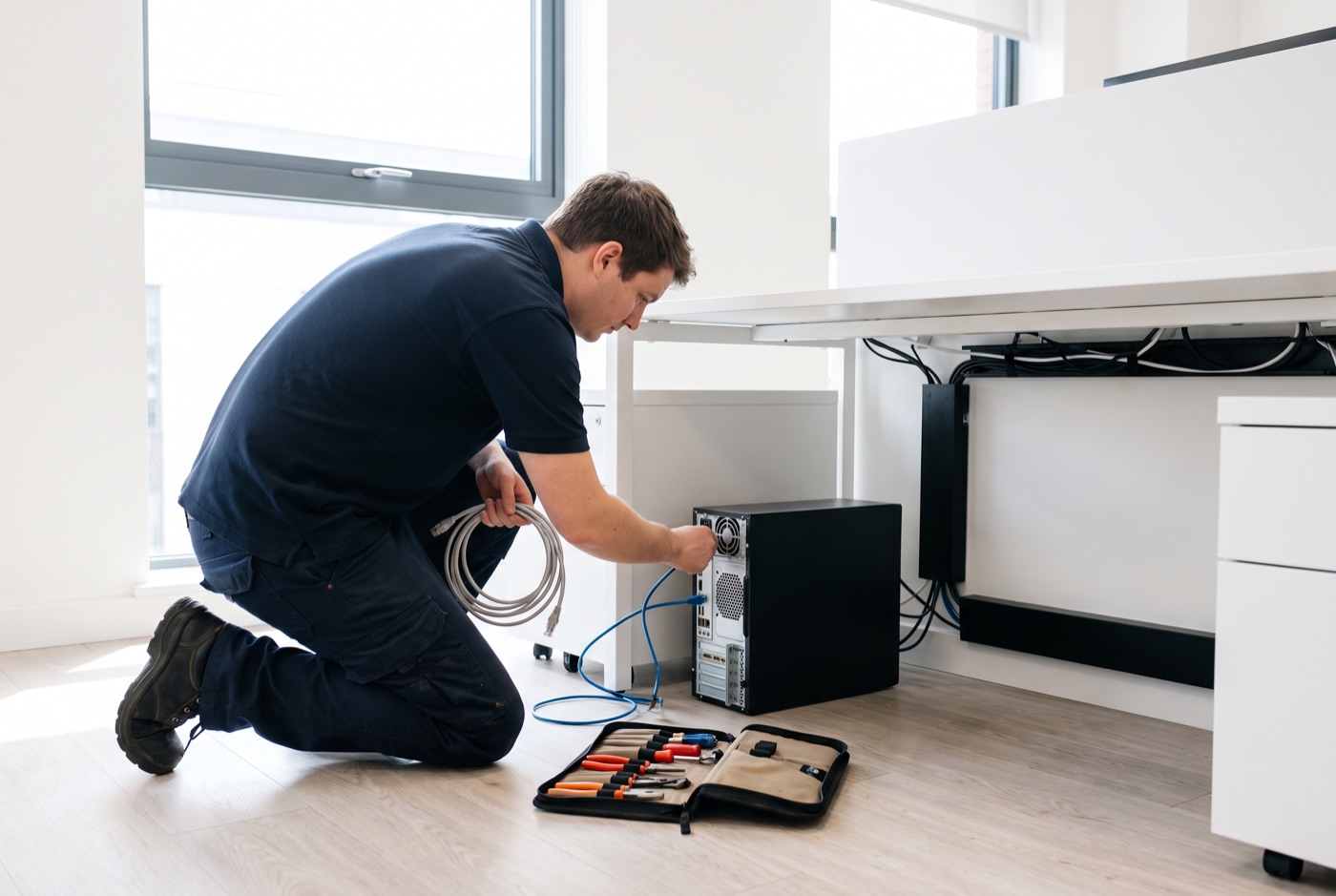
Onsite IT support means an engineer travels to your Thetford premises, works directly on the affected hardware and resolves the fault in front of you. There is no remote-access session, no explaining the problem to someone who cannot see your setup, and no waiting for a callback to walk you through a fix that does not quite work in your environment.
We support Windows PCs and laptops and everything connected to them: local networks, printers, shared storage, and Microsoft 365 including Outlook, Teams, OneDrive, Word, Excel and the rest of the suite. We do not support Apple Mac hardware.
Support is available during office hours. That covers the working day when most faults occur and when getting your staff back to full productivity matters most.
Support options and clear pricing
We offer two monthly contract plans and a no-contract block-of-time option. All prices below exclude VAT and are charged per computer, not per user.
Business Essentials
Unlimited remote and phone support, with updates, backups and security monitoring included as standard. On-site visits are charged separately at a £60 call-out fee plus labour when needed. Monthly pricing per computer:
- 1 computer: £36 per month
- 2-3 computers: £31.20 each per month
- 4-9 computers: £25.20 each per month
- 10-17 computers: £22.20 each per month
- 18 or more: £21.60 each per month
This plan suits businesses that want a safety net for remote and phone issues and prefer to keep on-site visits as a separate, occasional cost.
Business Premium
Everything in Business Essentials, with on-site labour and call-out charges included in the monthly fee. Monthly pricing per computer:
- 1 computer: £54 per month
- 2-3 computers: £42 each per month
- 4-6 computers: £38.60 each per month
- 7-9 computers: £33.80 each per month
- 10-12 computers: £31.20 each per month
- 13-15 computers: £28.40 each per month
- 16-19 computers: £25.40 each per month
- 20 or more: £24.40 each per month
Business Premium works well for offices where staff rely heavily on their machines and any downtime has a direct cost.
No monthly contract
If your business is not ready for a monthly arrangement, pre-purchased blocks of time are valid for up to six months:
- 4-hour block: £312
- 8-hour block: £592
- 16-hour block: £1,123
A managed email service is also available; pricing is quoted on request depending on your setup.
Serving Thetford and the surrounding area
Businesses in Thetford get hands-on service, with an engineer who arrives at your office ready to work rather than spending the visit asking basic questions about your network.
If you are seeing warning signs on your office PCs - slow machines, Microsoft 365 errors, network drops or anything else that is costing your staff time - call us and we will talk through what is happening before you commit to anything.
What to ask any IT support provider
Before signing a support contract, it is worth asking a few direct questions. Does support cover hardware faults as well as software? Are on-site visits included or billed separately? Is pricing per computer or per user, and what counts as a billable unit? How is emergency support handled during office hours? These questions separate providers who offer clear, honest arrangements from those whose pricing becomes complicated once you are a customer.
Our pricing is published openly, contracts are per computer, and we explain exactly what is and is not included before any work begins.
Why people here call us
- A clear written price and what it covers, before anything starts.
- Fixed price - no day-rate surprises halfway through.
- Local to Thetford, so we can usually get out quickly.
- Fully insured, your accounts in your own name, documented and yours.
Also available
Other services in Thetford

IT Support Contracts
Monthly IT support contracts for Windows PCs, laptops and Microsoft 365 in Bury St Edmunds.
See details
Remote IT Support
Remote IT support for Windows PCs, laptops and Microsoft 365 - resolved over the phone or by taking control of your screen, without waiting for an…
See details
Emergency IT Support
When your systems go down during office hours, every minute costs you money.
See detailsOnsite IT Support in Thetford?
Call and speak to the person who will do the work, or send the form and we will come and look at it.