
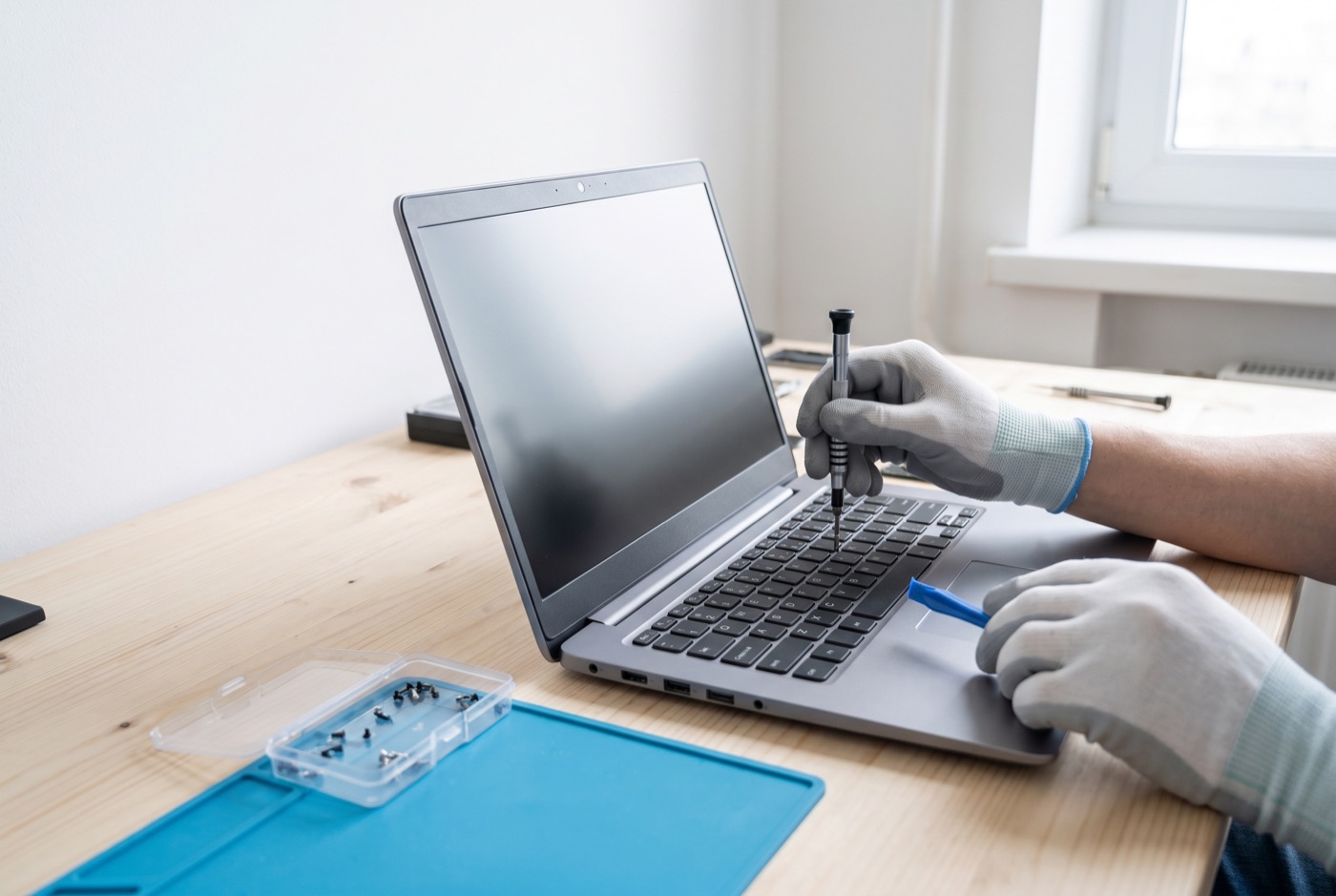
PC & Laptop Repairs Ely - The Process Explained
Businesses in Ely with faulty Windows PCs or laptops can get them properly diagnosed and repaired by an IT support team, established 1990, based in Bury St Edmunds.
What Actually Happens When We Repair Your Computer
Most business owners hand over a faulty computer and wait for it to come back working. That is fine, but understanding what happens in between helps you ask the right questions, set realistic expectations and spot whether you are getting a proper job or a quick fix. This page walks through the repair process from the first call to the machine being back on your desk.
We handle Windows PC and laptop repairs for businesses in Ely and the surrounding area, including Microsoft 365 faults, virus infections, hardware failures, slow machines and failed updates. We have been doing this work since 1990.
Step 1 - Describing the Problem
A good diagnosis starts before anyone looks at the machine. When you call us, we will ask you to describe exactly what the machine is doing - or not doing. The more specific you can be, the faster the diagnosis. "It is slow" is a starting point. "It takes seven minutes to load Outlook and the hard drive light stays on constantly" tells us something more specific.
Useful things to note before calling: when the problem started, whether anything changed around that time (a Windows update, a new piece of software, a power cut), whether the problem is constant or intermittent, and any error messages that have appeared. Error codes and messages matter - write them down or take a photo before dismissing them.
We also ask about the machine itself: its age, make, model and roughly what software it runs. This helps us work out whether the problem is likely software, hardware or a combination before we have even seen it.
Step 2 - Remote Diagnosis
If the machine starts and connects to the internet, remote diagnosis is usually the first step. We connect securely to the machine during office hours and look at what is actually happening. This covers event logs (which record errors Windows has encountered), startup programmes, disk health, RAM usage, running processes, Windows Update status and antivirus state.
Remote diagnosis resolves a significant number of problems without anyone needing to visit. Software faults, configuration issues, Microsoft 365 problems, failed updates and many virus infections can be diagnosed and fixed this way. If remote access reveals a hardware fault - a drive showing bad sectors in its health report, for example - we will tell you at that point what needs to happen next and whether an on-site visit is needed.
Step 3 - On-Site Assessment (Where Needed)
Some faults cannot be resolved remotely. A machine that will not start, a broken screen, a laptop with a failed charging port, or a desktop that needs a hardware component replaced all require a physical visit or for the machine to be brought in. When we visit your Ely office, we bring the diagnostic tools and common replacement parts needed for the most frequent hardware repairs.
On arrival, we check the physical condition of the machine as well as running diagnostic software. A machine that runs hot may have clogged fans and heatsinks. A machine with intermittent faults may have a loose internal connection. Physical inspection picks up things that remote tools cannot see.
Step 4 - Diagnosis and Explanation
Once we know what is wrong, we explain it in plain terms and set out the options. If a hard drive is failing, the options might be: replace the drive and reinstall Windows, replace the drive and restore from backup, or - if the machine is old enough - consider whether replacement makes more sense than repair. We give you enough information to make a decision, not just a recommendation to accept on trust.
If a repair will take time - for example, a full Windows reinstallation or sourcing a specific part - we say so at this point. Knowing how long you will be without the machine helps you plan around it.
Step 5 - The Repair Work
What happens during the repair depends entirely on the fault. Some of the most common repair tasks and what they involve:
- Virus and malware removal - isolating the machine from the network, booting from external media, scanning outside the infected operating system, removing malicious files and startup entries, then checking the machine is clean before reconnecting. A full Windows reinstallation is sometimes the more reliable route.
- Hard drive replacement - removing the failed drive, fitting a replacement (usually an SSD for the performance benefit), installing Windows, applying updates, restoring data from backup where available, and reinstalling applications. The machine comes back faster and more reliable than it was before.
- RAM upgrade - checking whether the machine's motherboard supports additional or higher-capacity RAM, fitting the new modules, confirming the system recognises the new memory and running a stability test.
- Windows repair installation - running a repair over the top of the existing Windows installation to fix corrupted system files without losing applications and settings. Used when a clean install would take longer and the underlying cause is software rather than hardware.
- Microsoft 365 repair - re-registering licences, clearing cached credentials, running the built-in Office repair tool, reconfiguring email profiles, or resolving sync conflicts in OneDrive or SharePoint. The specific steps depend on which application is misbehaving.
- Screen replacement - sourcing the correct replacement panel for the laptop model, disassembling the lid, swapping the panel and display cable, and testing for dead pixels and backlight evenness before reassembly.
Step 6 - Testing Before Handover
A repair is not finished when the component has been swapped or the software has been fixed. The machine is tested under realistic conditions - starting up, loading the applications the business uses, connecting to the network, running Windows Update - to confirm the original problem has gone and that nothing else has been disturbed by the repair.
For software repairs, we check that the affected applications (Outlook, Teams, OneDrive, the browser) all work correctly and that the machine is stable under normal use. For hardware repairs, we run checks on the new component to confirm it is healthy and seated correctly.
Step 7 - Handover and Follow-Up
When the machine comes back to you, we explain what was done and what, if anything, you should watch for going forward. If the fault pointed to a broader risk - for example, a failing drive on a machine that had no backup - we will mention that plainly and suggest how to address it.
If you are on a managed support contract, any monitoring that was affected by the fault is restored and checked. If you are not on a contract, this is often a natural point to consider whether ongoing monitoring would be useful for your business.
Support Options for Ely Businesses
Managed support contracts are priced per computer per month, not per user. Business Essentials includes unlimited remote and phone support during office hours, with updates, backups and security kept in check. On-site visits are charged at £60 call-out plus labour. Pricing: 1 computer £36, 2-3 computers £31.20 each, 4-9 computers £25.20 each, 10-17 computers £22.20 each, 18 or more £21.60 each - all excluding VAT.
Business Premium adds on-site labour and call-outs to the monthly fee. Pricing: 1 computer £54, 2-3 computers £42 each, 4-6 computers £38.60 each, 7-9 computers £33.80 each, 10-12 computers £31.20 each, 13-15 computers £28.40 each, 16-19 computers £25.40 each, 20 or more computers £24.40 each - all excluding VAT.
No monthly contract needed? Prepaid time blocks are available: 4 hours for £312, 8 hours for £592, or 16 hours for £1,123, excluding VAT. Each block includes monthly monitoring and priority service and is valid for up to six months. A managed email service is also available - ask for details when you call.
Call us during office hours to talk through what is happening with your machine and we will tell you honestly what the next step should be.
Why people here call us
- A clear written price and what it covers, before anything starts.
- Fixed price - no day-rate surprises halfway through.
- Local to Ely, so we can usually get out quickly.
- Fully insured, your accounts in your own name, documented and yours.
Also available
Other services in Ely

IT Support Contracts
Monthly IT support contracts for Windows PCs, laptops and Microsoft 365 in Bury St Edmunds.
See details
Remote IT Support
Remote IT support for Windows PCs, laptops and Microsoft 365 - resolved over the phone or by taking control of your screen, without waiting for an…
See details
Onsite IT Support
On-site IT support for Windows PCs, laptops and Microsoft 365 in Bury St Edmunds and the surrounding area.
See detailsComputer and Laptop Repairs in Ely?
Call and speak to the person who will do the work, or send the form and we will come and look at it.