
Computer and Laptop Repairs in Saffron Walden
If a Windows PC or laptop has failed in your Saffron Walden office, what you do in the time before a technician arrives can either protect your business or make the problem significantly worse.
What We Cover
We repair Windows PCs and laptops for businesses in Saffron Walden and nearby, operating from our base in Bury St Edmunds. We handle slow machines, virus and malware infections, failed Windows updates, hardware faults and Microsoft 365 problems. We do not support Apple Macs.
The Gap Between a Fault and the Fix
There is nearly always a gap between the moment something goes wrong and the moment a technician is in front of the machine. What happens during that gap matters. Some actions protect the machine and the data on it. Others cause avoidable damage - sometimes more than the original fault itself.
The guidance below is written for office managers and small business owners, not technicians. None of it requires specialist knowledge. It is simply a practical account of what helps and what does not.
What to Do Straight Away
The first priority when a machine behaves unexpectedly is to stop and think before you act. Hasty responses to error messages, crashes or suspected infections are a common source of preventable data loss.
- Take a photo of any error message. Write down exactly what was happening when the fault occurred - what the user was doing, what they clicked on, what the screen showed. This information helps a technician diagnose the fault faster and more accurately.
- Disconnect from the network if you suspect a virus or ransomware. If the machine is behaving strangely, is showing demands for payment, or is encrypting files, disconnect it from the office network immediately by unplugging the network cable or turning off Wi-Fi. This limits any spread to other machines. Do not switch the machine off unless specifically told to.
- Stop using the machine for normal work. If the fault is hardware-related - a failing hard drive, a machine that keeps crashing - continued use may overwrite data that a technician could otherwise recover. Parking the machine and using a different one in the meantime is the right call.
- Check whether your backups are running. If data on the affected machine is important, verify that it has been backed up recently. If you are not sure, do not try to copy files off the failing machine yourself unless guided to do so - see the section below on what not to do.
What Not to Do Yourself
This section matters as much as the one above. A number of well-intentioned steps taken before a technician arrives can cause lasting damage to data or make a fault significantly harder to resolve.
- Do not attempt a factory reset or reinstall Windows. This deletes data. Even if a machine appears to be unusable, a technician may be able to recover files from the drive before any reinstall is necessary. A factory reset carried out before that stage removes the option permanently.
- Do not run multiple virus scanners back to back in a panic. Running one well-known security tool in a controlled way can help. Running three different free tools in quick succession can corrupt files, remove legitimate system components, and make the infection harder to trace and remove properly.
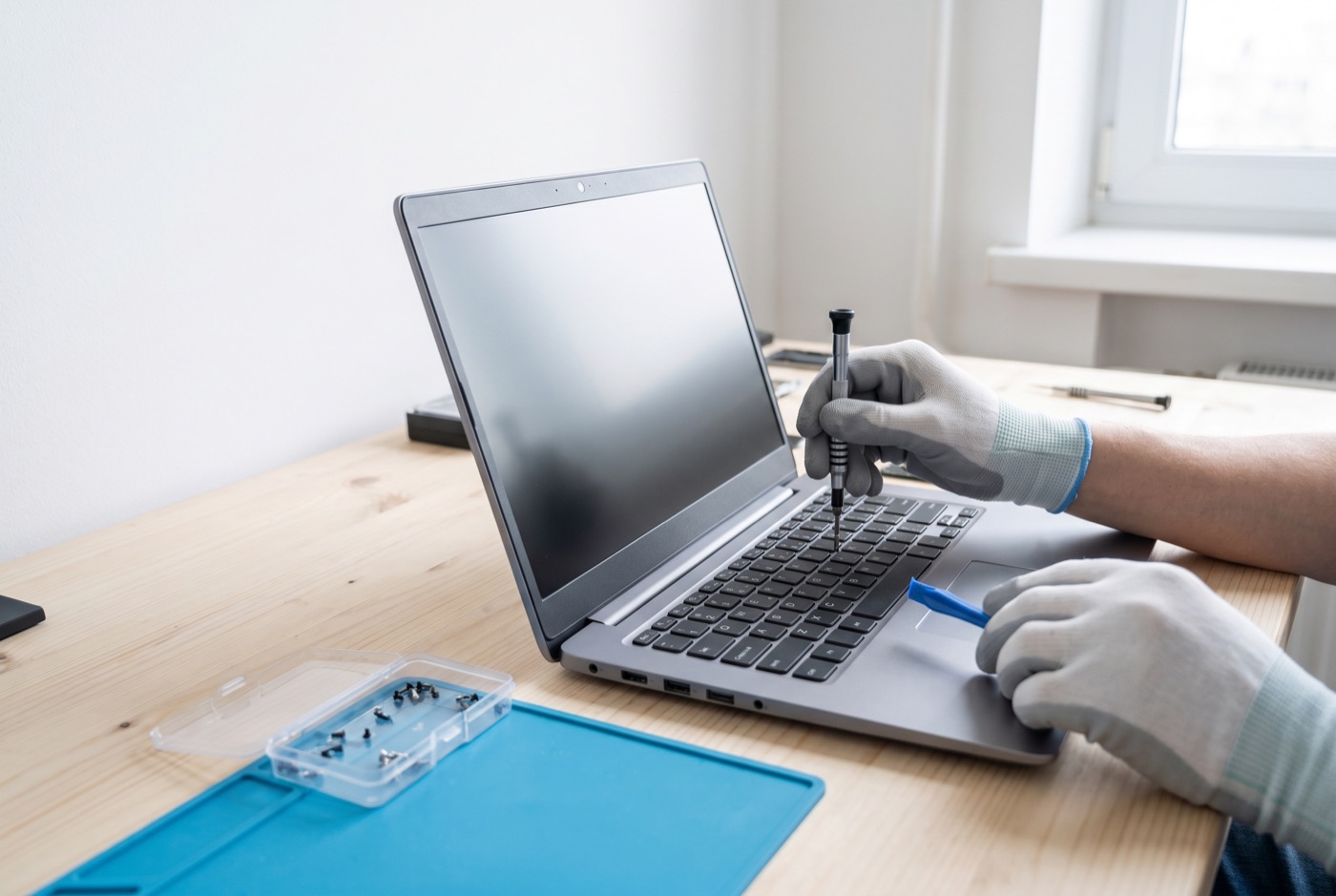
- Do not try to open or repair a laptop yourself. Modern laptops are compact and fragile. A damaged screen, a loose charging port or a stuck key can all look like straightforward jobs and turn into broken clips, stripped screws and torn ribbon cables in inexperienced hands. The repair cost goes up significantly when a technician inherits a machine that has already been partially dismantled.
- Do not pay a ransom demand. If the machine is displaying a ransomware message, do not pay. Payment does not reliably restore access, it identifies you as a target willing to pay, and it funds further attacks. Disconnect the machine, call a technician, and ask your IT support about recovery options from backup.
- Do not ignore a slow machine and keep working on it. A machine that is running unusually slowly may be infected, may have a failing drive, or may be under heavy load from a background process. Continuing to use it for business work - sending emails, saving documents, accessing shared files - can spread a problem or result in data being saved to a drive that is about to fail.
Keeping Other Machines Safe While You Wait
If one machine on your network is confirmed or suspected to have a virus, check that the other machines on the same network are running active, up-to-date security software. Ask your IT support whether any shared drives or cloud accounts accessed from the affected machine should be temporarily restricted. A single infected machine with access to a shared file server can cause damage beyond its own drive.
Change passwords for any accounts that were logged in on the affected machine, using a different, clean device. Do this before the fault is resolved, not after.
When You Call a Technician - What to Tell Them
The more specific you can be about the fault, the faster and more accurately it can be diagnosed. Useful information to have ready includes: what the machine was doing when the fault appeared, any error codes or messages shown on screen, whether anything changed recently (a Windows update, a new application installed, a new member of staff logging in), and whether the problem is on one machine or affecting more than one.
You do not need to diagnose the fault yourself. You just need to describe it accurately. "The screen goes black after about two minutes and the machine makes a clicking noise" is far more useful than "it's broken".
Support Plans and One-Off Repairs - Prices
For businesses in Saffron Walden wanting ongoing support rather than reactive one-off repairs, our support contracts remove most of the uncertainty. On-site visits under Business Essentials are charged at a £60 call-out fee plus labour. Pricing is per computer per month: £36 for one machine, £31.20 each for two to three, £25.20 each for four to nine, £22.20 each for ten to seventeen, and £21.60 each for eighteen or more. All prices exclude VAT.
Business Premium prices are per computer per month: £54 for one machine, £42 each for two to three, £38.60 each for four to six, £33.80 each for seven to nine, £31.20 each for ten to twelve, £28.40 each for thirteen to fifteen, £25.40 each for sixteen to nineteen, and £24.40 each for twenty or more. All prices exclude VAT.
If a monthly contract does not suit your business, pre-paid time blocks are available: £312 for four hours, £592 for eight hours, and £1,123 for sixteen hours. A managed email service is available at a price quoted on request.
Covering Saffron Walden and Nearby
We serve businesses in Saffron Walden and can support offices in neighbouring towns and villages. If something has gone wrong with a machine in your office, call us during office hours and we will talk you through the immediate steps before we arrange the work.
Why people here call us
- A clear written price and what it covers, before anything starts.
- Fixed price - no day-rate surprises halfway through.
- Local to Saffron Walden, so we can usually get out quickly.
- Fully insured, your accounts in your own name, documented and yours.
Also available
Other services in Saffron Walden

IT Support Contracts
Monthly IT support contracts for Windows PCs, laptops and Microsoft 365 in Bury St Edmunds.
See details
Remote IT Support
Remote IT support for Windows PCs, laptops and Microsoft 365 - resolved over the phone or by taking control of your screen, without waiting for an…
See details
Onsite IT Support
On-site IT support for Windows PCs, laptops and Microsoft 365 in Bury St Edmunds and the surrounding area.
See detailsComputer and Laptop Repairs in Saffron Walden?
Call and speak to the person who will do the work, or send the form and we will come and look at it.