
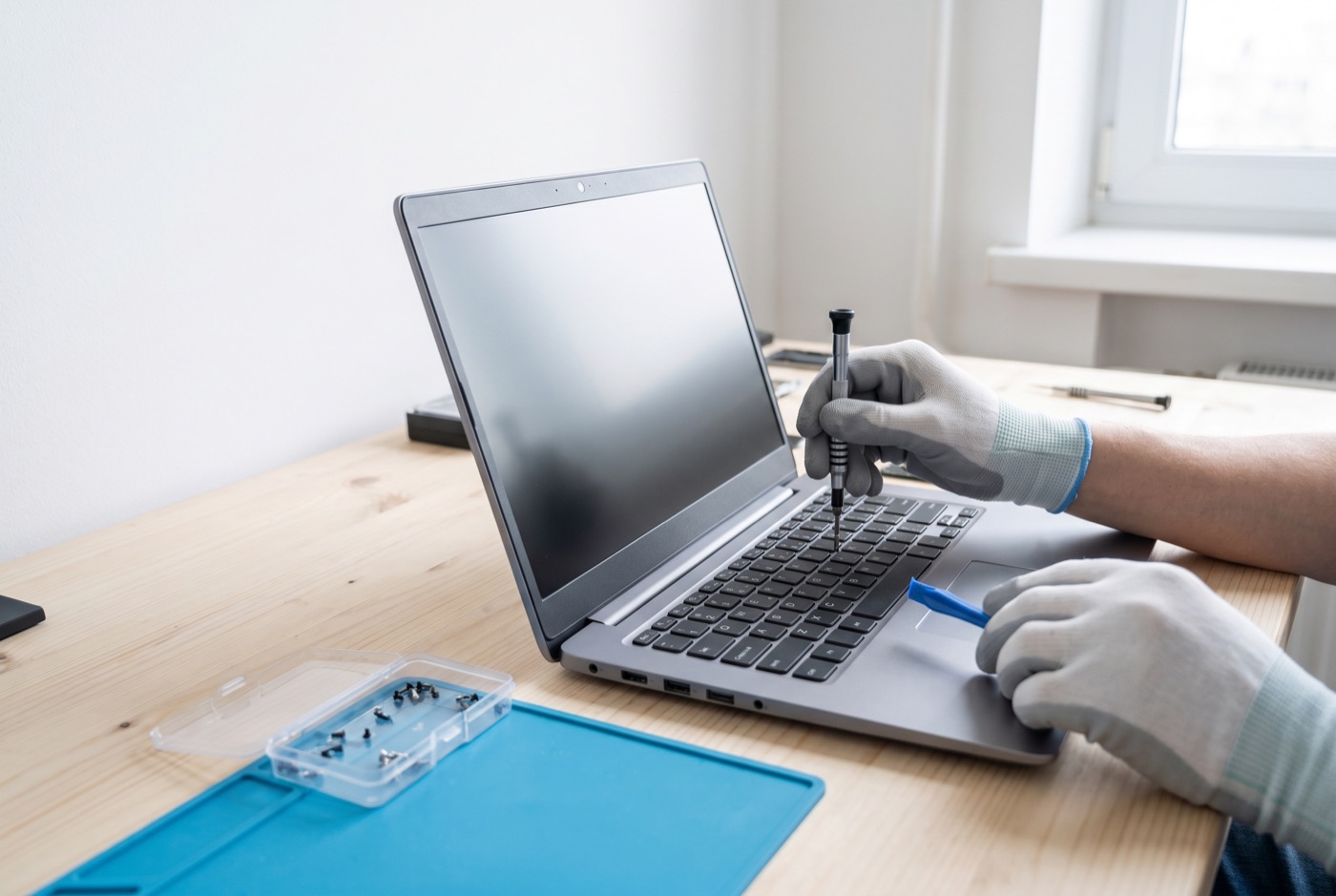
Computer and Laptop Repairs in Soham
When a Windows PC or laptop fails in your Soham office, the real decision is whether to repair it or replace it - and getting that call wrong costs money either way.
What We Handle
We work on Windows PCs and laptops for businesses in Soham and the surrounding area, operating from our base in Bury St Edmunds. We cover slow machines, failed Windows updates, virus and malware infections, hardware faults such as screen damage, failed hard drives and faulty keyboards, and Microsoft 365 issues including licensing errors and broken email. We do not support Apple Macs.
The Repair Versus Replace Question
This is the question that genuinely matters when something goes wrong. Repair is nearly always cheaper in the short term. Replacement gives you a newer, faster machine with a full manufacturer warranty and, in most cases, a longer useful life. Neither answer is automatically right - it depends on the fault, the age of the machine, and how it is being used.
A machine that is three years old and has a failed hard drive is almost always worth repairing. A machine that is eight years old and running an operating system that Microsoft no longer updates is probably not, even if the repair itself would be straightforward. The hardware may be fine, but a machine that cannot receive Windows security updates is a liability in any business environment.
When Repair Makes Clear Sense
Repair is the right call in most of these situations:
- The machine is under five years old and the fault is a single identifiable component - a screen, a battery, a hard drive, a keyboard.
- The fault is software-based: a virus infection, a failed Windows update, a corrupt user profile, or a Microsoft 365 configuration problem. These are almost always cheaper to fix than a replacement machine, and the hardware is not at fault at all.
- The machine has been recently upgraded - more RAM added, a solid-state drive fitted - and is performing well apart from the current fault.
- The cost of repair is significantly less than the cost of a replacement machine of equivalent specification.
A common repair-or-replace mistake is treating a software problem as a hardware problem. A machine that runs slowly after a Windows update, or that keeps crashing after a malware infection, may appear to be failing but can often be returned to full performance by a competent technician without touching any hardware at all.
When Replacement Makes More Sense
Replacement becomes the better option when:
- The machine is more than six or seven years old and is reaching the end of the Windows version it can run. Microsoft ends support for Windows versions on a fixed schedule, and a machine that cannot receive updates is a security risk for your business network.
- Multiple components are failing in quick succession. One failed hard drive is a repair job. A failing hard drive, a degraded battery, and an overheating processor on the same machine suggest the hardware is simply worn out.
- The cost of repair is more than half the cost of a comparable replacement. There is no fixed rule here, but paying £300 to repair a machine that would cost £400 to replace rarely makes financial sense when the replacement will be faster, under warranty, and last longer.
- The machine cannot run the software your business needs. If a key application requires more processing power or memory than the machine can practically hold, repair will not solve the underlying problem.
Getting an Honest Assessment
The difficulty is that the person being asked to make this call is usually also the person being paid to carry out the repair. A good technician will tell you when replacement is the better option, even though that is not billable work for them. Ask any contractor directly: "If this were your machine and your money, what would you do?" The answer tells you a lot.
We will always give you our honest view before we start work. If a machine is not worth fixing, we will say so and explain why, so you can make the decision with full information.
What Happens During a Repair
A proper diagnosis comes first. That means identifying the specific fault - not just the symptom - before any parts are ordered or work begins. For hardware faults, components are tested individually where possible. For software faults, the infection or corruption is traced to its source rather than resolved by wiping the machine and starting again, which loses data and settings unnecessarily.
Your data should be backed up before any significant work is carried out. Ask the contractor whether they will do this and how, before they start.
Support Contracts and One-Off Work - Prices
For businesses wanting ongoing cover rather than one-off repairs, a support plan is worth considering. It is worth checking exactly what any plan includes, such as remote and phone support, updates, backups and security monitoring. Our Business Essentials plan is one option. On-site visits under this plan are charged at a £60 call-out fee plus labour. Pricing is per computer per month: £36 for one machine, £31.20 each for two to three, £25.20 each for four to nine, £22.20 each for ten to seventeen, and £21.60 each for eighteen or more. All prices exclude VAT.
Business Premium is another option, and you should check whether on-site labour and call-outs are included in the monthly price before you sign up. Its prices are: £54 for one machine, £42 each for two to three, £38.60 each for four to six, £33.80 each for seven to nine, £31.20 each for ten to twelve, £28.40 each for thirteen to fifteen, £25.40 each for sixteen to nineteen, and £24.40 each for twenty or more computers. All prices exclude VAT.
If a monthly contract does not suit you, pre-paid time blocks are available. A four-hour block costs £312, an eight-hour block costs £592, and a sixteen-hour block costs £1,123. Check what each block includes, such as monthly monitoring or priority service, before you buy. Blocks are valid for up to six months. A managed email service is available at a price quoted on request.
Covering Soham and Nearby
We serve businesses in Soham and can support offices in neighbouring towns and villages across this part of the region. Call us to talk through what has gone wrong and we will give you a straight answer on whether repair or replacement is the right move.
Why people here call us
- A clear written price and what it covers, before anything starts.
- Fixed price - no day-rate surprises halfway through.
- Local to Soham, so we can usually get out quickly.
- Fully insured, your accounts in your own name, documented and yours.
Also available
Other services in Soham

IT Support Contracts
Monthly IT support contracts for Windows PCs, laptops and Microsoft 365 in Bury St Edmunds.
See details
Remote IT Support
Remote IT support for Windows PCs, laptops and Microsoft 365 - resolved over the phone or by taking control of your screen, without waiting for an…
See details
Onsite IT Support
On-site IT support for Windows PCs, laptops and Microsoft 365 in Bury St Edmunds and the surrounding area.
See detailsComputer and Laptop Repairs in Soham?
Call and speak to the person who will do the work, or send the form and we will come and look at it.