
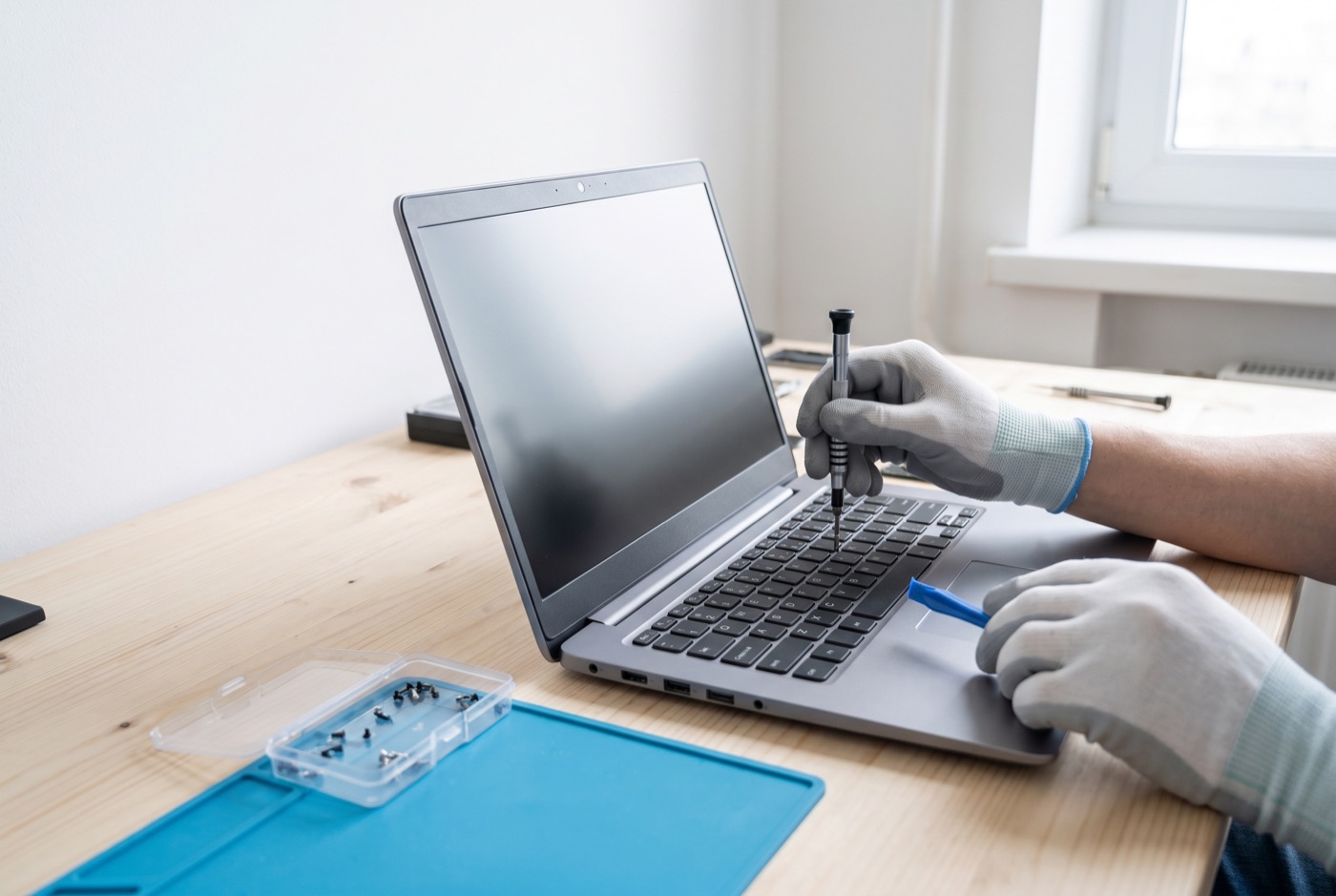
Computer and Laptop Repairs in Thetford
If your Windows PC or laptop is giving you trouble in Thetford, we can diagnose and fix it - from slow performance and failed updates to virus infections and hardware faults.
Windows PC and Laptop Repairs for Thetford Businesses
We handle Windows PC and laptop repairs for small businesses and office managers across Thetford and the surrounding area, including Bury St Edmunds and nearby villages.
Whether you have one machine that has stopped loading properly or a small fleet of PCs all running slow, we can assess the problem and give you a clear picture of what needs doing before any work begins.
Warning Signs Your Computer Needs Attention
Most computer faults do not arrive without warning. Knowing what to look for means you can act before a minor issue becomes a serious one that takes a machine out of action for days.
- Slow start-up and sluggish performance - If your PC takes several minutes to become usable after switching on, or freezes when switching between applications, this is a sign the machine is under strain. Common causes include too many start-up programmes, a failing hard drive, insufficient RAM, or a build-up of background processes from software that was never properly removed.
- Repeated unexpected restarts or blue screens - A Windows machine that restarts itself without warning, or that shows a blue screen with an error code, is flagging a fault that needs investigation. This can point to failing hardware, a corrupted system file, a driver conflict, or overheating. Ignoring it tends to make the underlying problem worse.
- Updates that fail or get stuck - Windows updates that will not install, roll back repeatedly, or leave the machine stuck on a progress screen are a very common problem in a business setting. Failed updates leave known security vulnerabilities open and can also cause software compatibility issues over time.
- Unusual pop-ups, redirects or slow browser behaviour - If your browser is opening pages you did not ask for, or if pop-up warnings are appearing that look unofficial, there is a reasonable chance the machine has a malware infection or unwanted software installed. These rarely go away on their own.
- Programmes crashing or refusing to open - When software that has worked reliably for months starts crashing, it usually points to a software conflict, a recent update that has introduced a fault, or a deeper system problem such as a corrupt registry or failing storage drive.
- Overheating or unexpected fan noise - A laptop or PC that runs very hot to the touch, or whose fan runs constantly at full speed, is working harder than it should. Dust blocking internal vents is a common cause, but it can also indicate failing cooling components. Left unchecked, overheating shortens the life of the processor and other components significantly.
- Hard drive noises - Clicking, grinding or rattling from inside a desktop or laptop is a serious warning sign. Mechanical hard drives make these sounds when the read/write heads are struggling. The data on that drive is at risk, and prompt action to copy it to a safe location matters.
- Microsoft 365 errors or sign-in problems - If Outlook, Teams or Word are showing licensing errors, refusing to activate or behaving inconsistently across your office machines, this is typically an account or subscription issue rather than a hardware fault, but it still needs sorting before it disrupts your working day.
What Causes These Problems
Many faults on business computers come down to a small number of root causes. Hard drives - particularly older mechanical ones - wear out over time, and in a machine that runs all day, every day, this can happen within three to five years. When the drive starts to fail, the symptoms can look like almost anything: slow performance, crashes, lost files or a machine that simply will not boot.
Software accumulation is another frequent cause. Over months and years, machines collect programmes, browser extensions, security tools and background services. Some of these conflict with each other or consume memory and processing power even when you are not using them. A machine that was fast when new can become painfully slow without any single obvious cause.
Overheating is particularly common in laptops used on desks without proper ventilation, or in offices where machines are placed against walls or inside cupboards. Dust builds up in vents over time and restricts airflow, causing the processor to throttle its speed to avoid damage - which shows up as sluggish performance.
Malware infections in a business setting often arrive through phishing emails or by visiting a compromised website. They can sit quietly in the background collecting information, or they can be immediately disruptive. Either way, they need removing properly rather than just running a quick scan and hoping for the best.
What a Proper Repair Involves
A good repair starts with a proper diagnosis rather than replacing parts speculatively. We check the hardware, run diagnostics on the drive and memory, look at what the machine is running in the background, and identify whether the fault is software, hardware or a combination of both.
Where data is at risk - for example on a struggling hard drive - we prioritise getting that safe before anything else. A full Windows reinstall can fix many software problems cleanly, but it should only happen once the data is secured and the customer understands what it involves.
For Microsoft 365 issues, we work through account settings, licensing and configuration rather than the hardware itself. Many 365 problems in small offices come down to accounts not being set up correctly when a new machine was added, or subscription changes that were not applied properly across all devices.
Support Options and Pricing
For businesses that want ongoing cover rather than calling us each time something goes wrong, we offer managed support contracts billed per computer per month (never per user). All prices below exclude VAT.
Business Essentials covers unlimited remote and phone support during office hours, with updates, backups and security kept in check. On-site visits are charged separately at a £60 call-out plus labour. Pricing starts at £36 per computer per month for a single machine, dropping to £31.20 each for two to three computers, £25.20 each for four to nine, £22.20 each for ten to seventeen, and £21.60 each for eighteen or more.
Business Premium Pricing starts at £54 per computer per month for one machine, with tiered reductions: £42 each for two to three, £38.60 each for four to six, £33.80 each for seven to nine, £31.20 each for ten to twelve, £28.40 each for thirteen to fifteen, £25.40 each for sixteen to nineteen, and £24.40 each for twenty or more.
If you prefer not to commit to a monthly contract, we offer blocks of pre-paid time that include monitoring and priority service and remain valid for up to six months: four hours for £312, eight hours for £592, or sixteen hours for £1,123.
A managed email service is also available - ask us for details and pricing on that specifically.
Serving Thetford and Nearby
We work with businesses in Thetford as well as those in Bury St Edmunds and the villages in between.
If your machine is showing any of the warning signs above, do not wait for it to get worse. Call us to discuss what you are seeing and we can advise whether it needs a remote session, an on-site visit, or a drop-off repair.
Why people here call us
- A clear written price and what it covers, before anything starts.
- Fixed price - no day-rate surprises halfway through.
- Local to Thetford, so we can usually get out quickly.
- Fully insured, your accounts in your own name, documented and yours.
Also available
Other services in Thetford

IT Support Contracts
Monthly IT support contracts for Windows PCs, laptops and Microsoft 365 in Bury St Edmunds.
See details
Remote IT Support
Remote IT support for Windows PCs, laptops and Microsoft 365 - resolved over the phone or by taking control of your screen, without waiting for an…
See details
Onsite IT Support
On-site IT support for Windows PCs, laptops and Microsoft 365 in Bury St Edmunds and the surrounding area.
See detailsComputer and Laptop Repairs in Thetford?
Call and speak to the person who will do the work, or send the form and we will come and look at it.