
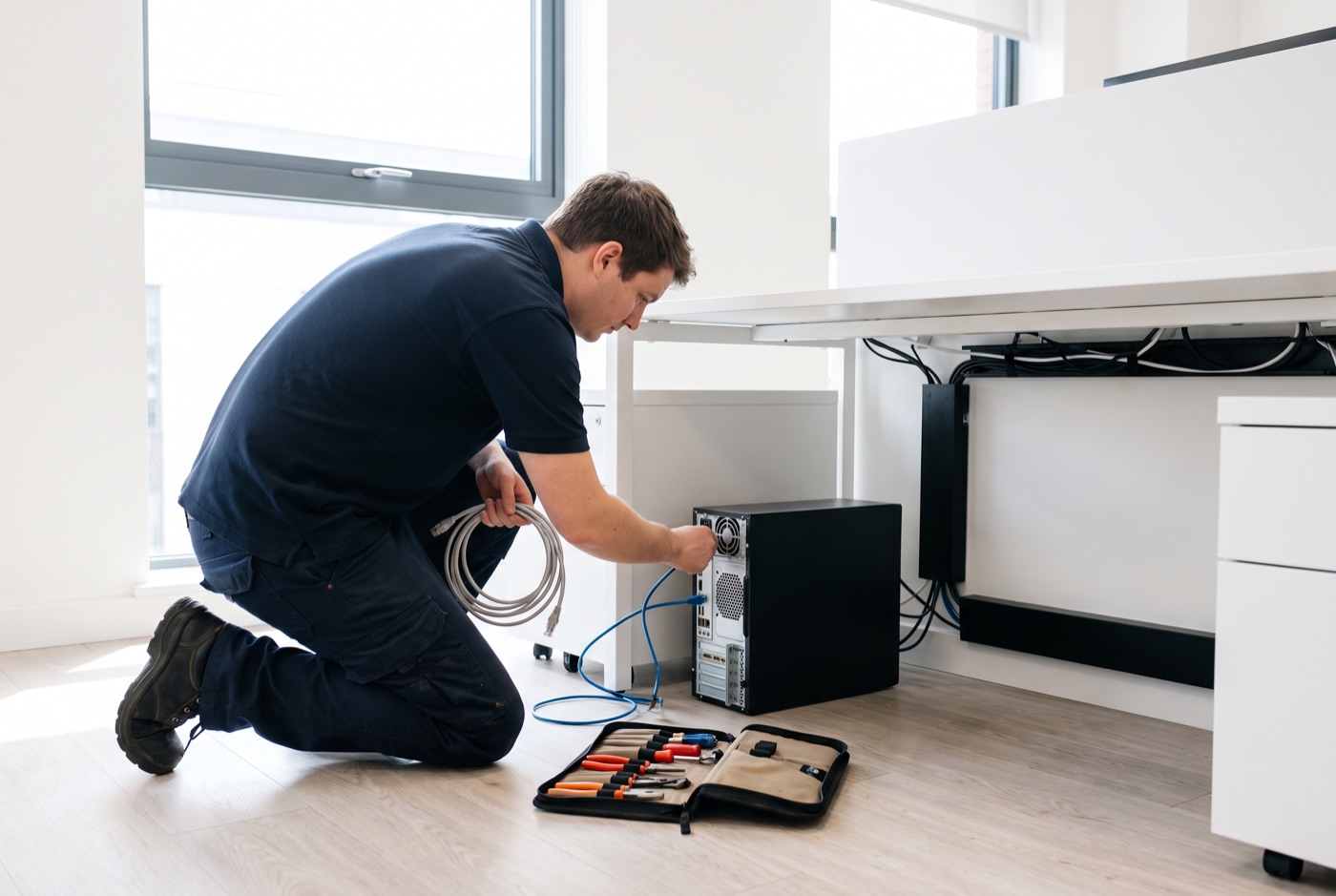
Onsite IT Support in Haverhill - What It Costs and Why
IT Support Bury St Edmunds covers Haverhill with onsite Windows PC and Microsoft 365 support, and this page gives you a straight answer on what it costs and what changes the price.
Why IT support pricing is often confusing - and how to read it clearly
IT support pricing varies more than almost any other business service. One provider quotes per user, another per device, a third charges a flat monthly fee regardless of how much support you use, and a fourth has a low headline rate with onsite visits billed separately at rates that are not shown until you ask. Understanding the structure matters as much as the number itself.
We work with businesses in Haverhill and nearby towns including Sudbury and Stowmarket.
The two main cost variables: how many computers you have and whether you want onsite included
Our pricing has two key dimensions. The first is the number of Windows PCs and laptops you need supported - the price per computer falls as the number rises, so a business with ten computers pays a lower rate per machine than one with two. The second is whether you want onsite visits included in the monthly price or billed separately when they happen.
These two factors account for the majority of the difference between one business's bill and another's. Everything else - remote support, phone support, monitoring, updates, backup checks and security checks - is the same across both plans.
Business Essentials - what you pay and what you get
When an onsite visit is needed, it is charged at a £60 call-out fee plus labour on top of the monthly plan cost.
- 1 computer: £36 per month
- 2 to 3 computers: £31.20 each per month
- 4 to 9 computers: £25.20 each per month
- 10 to 17 computers: £22.20 each per month
- 18 or more computers: £21.60 each per month
For a Haverhill business with five Windows computers on Business Essentials, the monthly contract cost is £126 (5 x £25.20, ex VAT). Onsite visits add £60 plus labour on those occasions when they are needed.
This plan suits businesses where onsite visits are infrequent - where most problems are software or configuration issues that can be handled remotely, and where the person managing the office is comfortable calling to authorise a visit when something physical needs attention.
Business Premium - onsite included in the monthly price
Business Premium covers everything in Essentials, with onsite call-outs and labour also included in the monthly fee.
- 1 computer: £54 per month
- 2 to 3 computers: £42 each per month
- 4 to 6 computers: £38.60 each per month
- 7 to 9 computers: £33.80 each per month
- 10 to 12 computers: £31.20 each per month
- 13 to 15 computers: £28.40 each per month
- 16 to 19 computers: £25.40 each per month
- 20 or more computers: £24.40 each per month
For the same five-computer Haverhill business on Business Premium, the monthly cost is £193 (5 x £38.60, ex VAT). If you needed two onsite visits in a month on Essentials - two call-outs at £60 each plus labour - Premium would already have been the cheaper option for that month.
What pushes the cost up
Several factors increase the total cost of IT support beyond the base monthly rate.
- Older hardware. Windows PCs and laptops more than four or five years old develop faults more frequently. A machine running an ageing hard drive that has not been replaced will need more onsite attention. On an Essentials plan, that means more call-outs. On Premium, it means more technician time. Either way, older hardware costs more to support than newer hardware.
- Mixed or unmanaged environments. An office where some machines have never had updates properly applied, where user accounts have not been reviewed, or where several different people have installed software over the years takes more time to stabilise than a well-maintained environment. The first few months of a new support contract often involve more activity while the baseline is brought up to standard.
- Complex network setups. A straightforward office network - router, switch, Wi-Fi, a handful of computers - is easy to support. A network with multiple VLANs, a VPN, a server, remote access and several networked printers has more points of failure and takes longer to diagnose when something goes wrong.
- Frequent staff changes. Setting up new user accounts, configuring Microsoft 365 for new starters, removing leavers' access and transferring data from old machines to new ones all take time. Businesses with high staff turnover will use more support hours than businesses where the same people have used the same machines for three years.
- Hardware replacements. The cost of the support contract does not include the cost of replacement hardware. If a hard drive fails and needs replacing, you pay for the drive. If a machine needs to be replaced entirely, that is a separate purchase. We will advise on what is needed and where to source it, but hardware costs are yours to budget for separately.
What keeps the cost down
- Up-to-date hardware. Machines that are three years old or less and running Windows 11 Pro have fewer faults and need less hands-on attention.
- A consistent environment. Offices where the same software is installed on all machines, updates are applied consistently, and user accounts are properly managed are significantly cheaper to support per machine than those where every PC has a different setup.
- Staff who know the basics. Staff who know not to click unknown email attachments, who restart their machines regularly and who report problems early rather than working around them for weeks generate fewer emergencies and smaller support bills.
- Good backups. A tested, working backup means that when something does go seriously wrong - a ransomware attack, a drive failure - recovery is a matter of hours rather than days, and the associated support cost is contained.
No monthly contract: time block pricing
If a rolling contract is not right for your Haverhill business at this point, you can buy support in blocks of time. Each block includes monthly monitoring and priority service and is valid for up to six months.
- 4 hours: £312 (ex VAT)
- 8 hours: £592 (ex VAT)
- 16 hours: £1,123 (ex VAT)
Time blocks suit businesses that have a specific project to complete - migrating to Microsoft 365, setting up a new office, replacing a batch of machines - or those that have infrequent but occasionally complex problems. They do not provide the same level of proactive monitoring as a managed contract, which is worth factoring into the decision.
Managed email service
A managed email service is available alongside any plan. Pricing depends on the number of mailboxes and the scope of management required, and is quoted on request.
Talk to us about your Haverhill setup
Call us on the number above and we will work out which plan makes financial sense for your specific situation - including an honest view of whether Essentials, Premium or a time block gives you better value for the way your business actually runs. We also support businesses in nearby Sudbury, Stowmarket and across the region from our Bury St Edmunds base.
Why people here call us
- A clear written price and what it covers, before anything starts.
- Fixed price - no day-rate surprises halfway through.
- Local to Haverhill, so we can usually get out quickly.
- Fully insured, your accounts in your own name, documented and yours.
Also available
Other services in Haverhill

IT Support Contracts
Monthly IT support contracts for Windows PCs, laptops and Microsoft 365 in Bury St Edmunds.
See details
Remote IT Support
Remote IT support for Windows PCs, laptops and Microsoft 365 - resolved over the phone or by taking control of your screen, without waiting for an…
See details
Emergency IT Support
When your systems go down during office hours, every minute costs you money.
See detailsOnsite IT Support in Haverhill?
Call and speak to the person who will do the work, or send the form and we will come and look at it.